🎓 West Prime Horizon - Student Enrollment System





✨ Overview
West Prime Horizon Enrollment System is a modernized, PHP 8-compatible web application designed to streamline, automate, and optimize the student enrollment workflow for academic institutions.
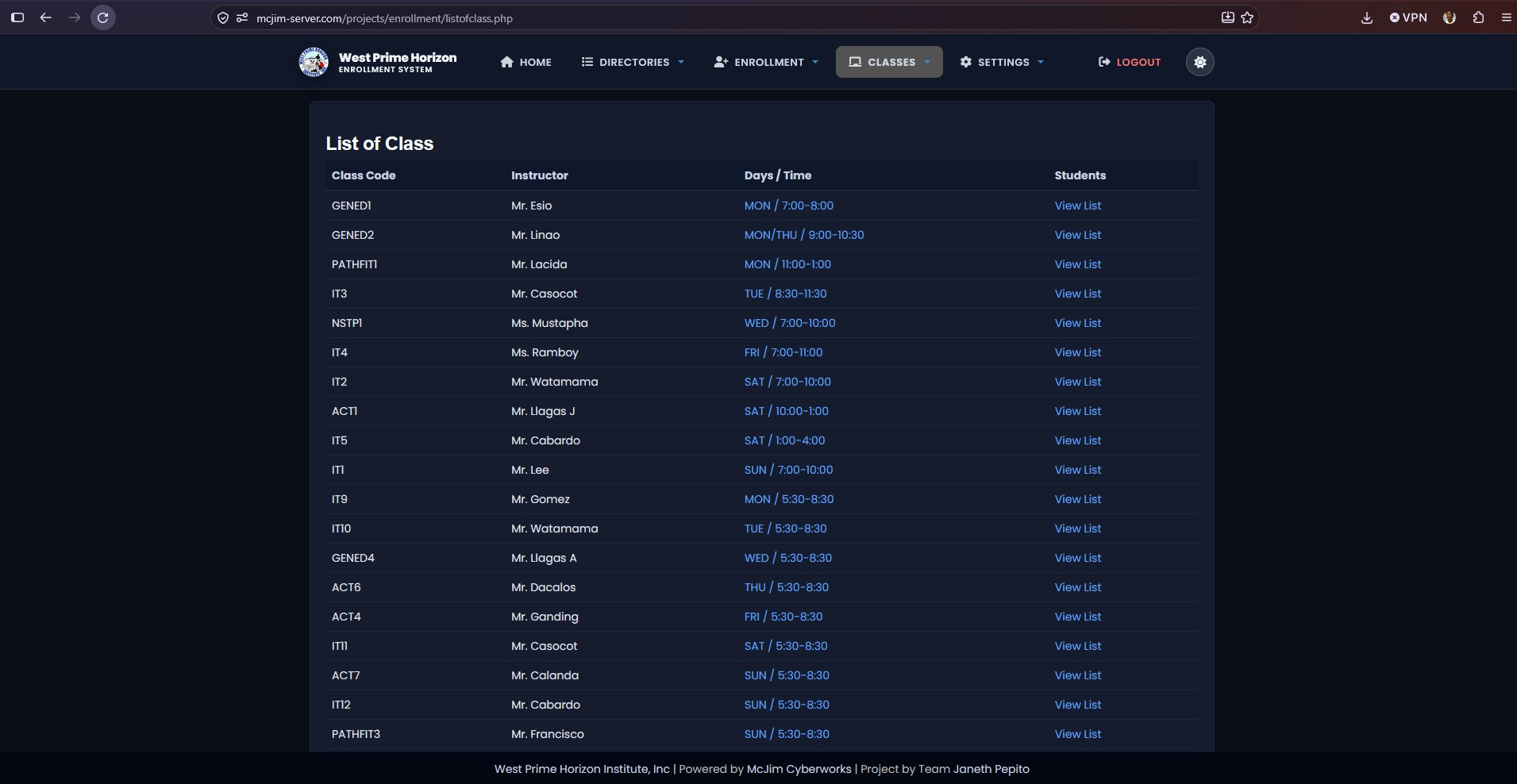
It provides a complete solution for student registration, subject advising, course program management, class scheduling, and administrative reporting with a state-of-the-art Dark / Light Theme System.
🚀 Key Features & Architectural Improvements
🌙 Modern Dark / Light Theme System
- CSS Custom Properties Design Tokens: Built-in dark and light themes with smooth glassmorphism styling and custom scrollbars.
- Theme Persistence: Automatic detection of system color preferences (
prefers-color-scheme) andlocalStoragestate retention across sessions. - Header Theme Toggle: Integrated, perfectly centered quick-toggle button in the main top navigation bar.
🔐 Unified Single Navigation Architecture
- Role-Aware Header (
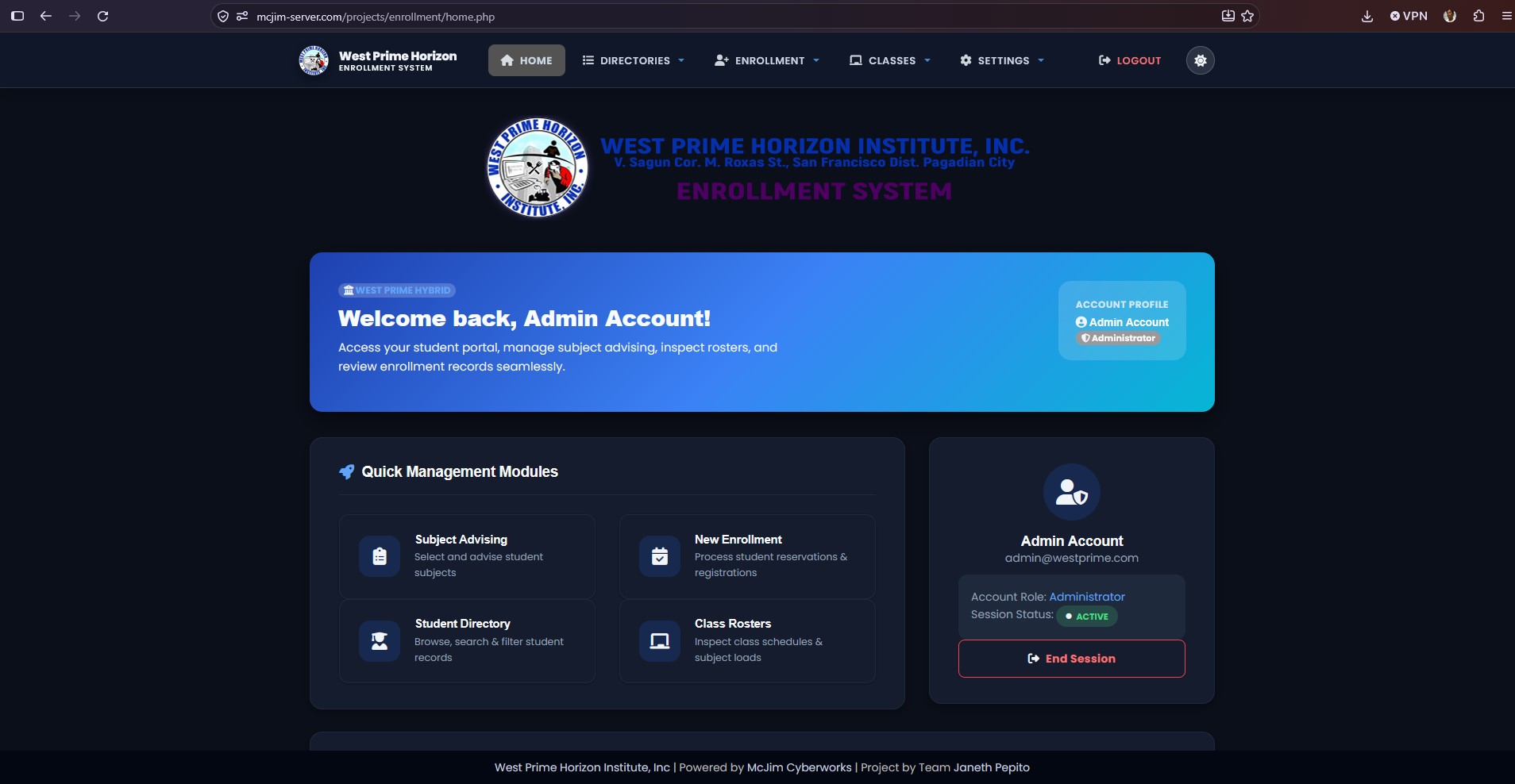
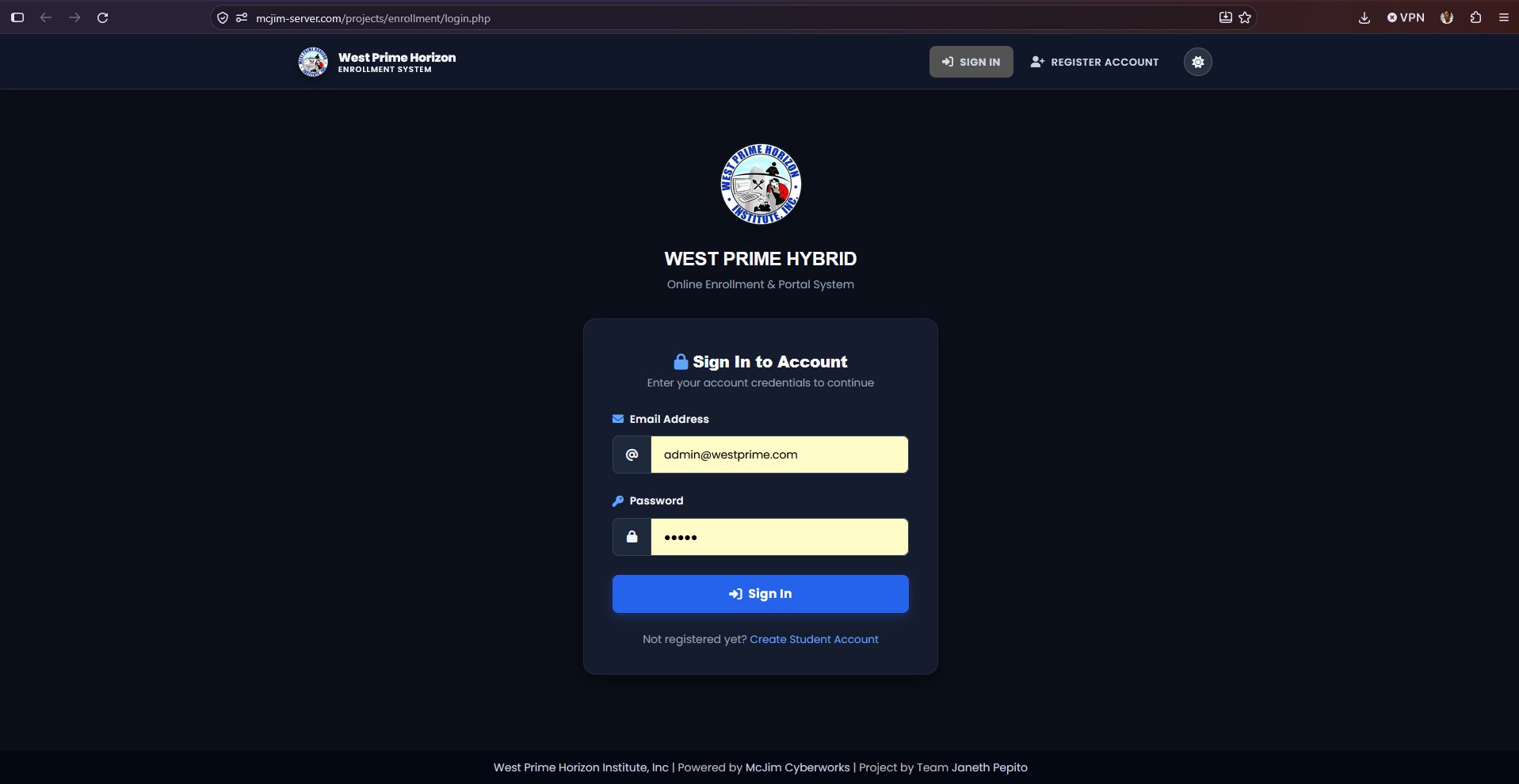
menu.php): Replaced multiple legacy menu files with a consolidated navigation bar that dynamically renders based on user roles:- Guest Mode: Sign In, Register Account, Theme Toggle.
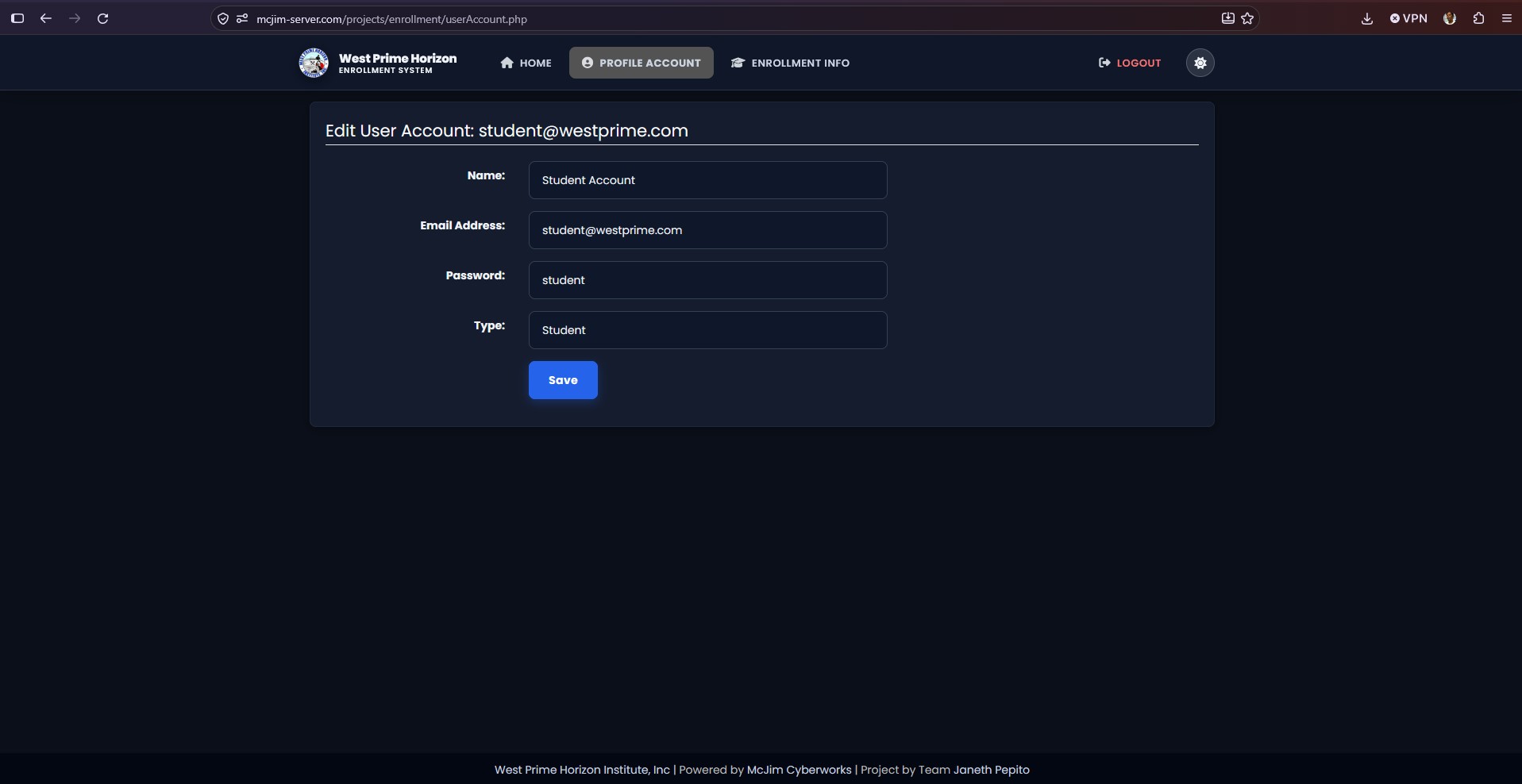
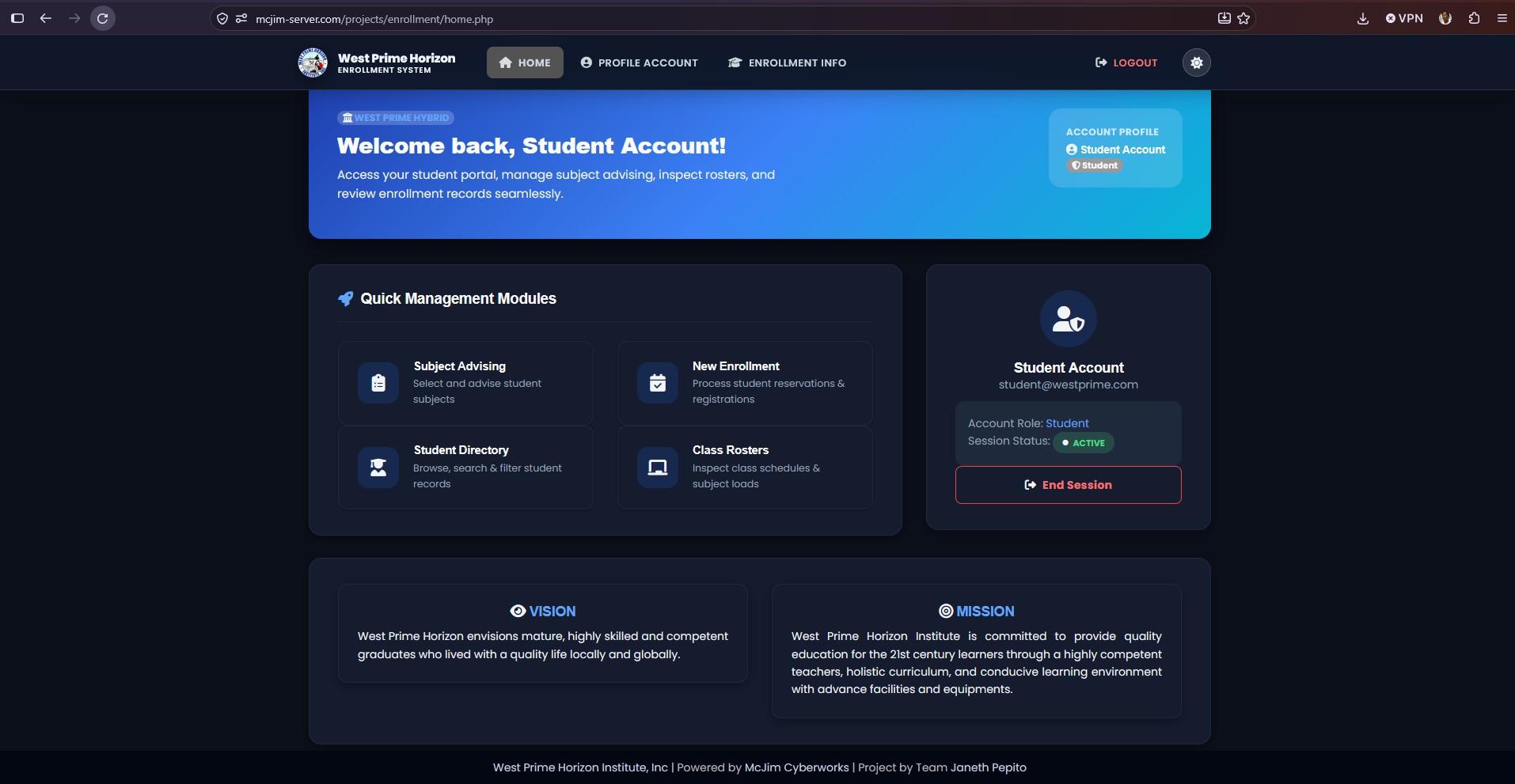
- Student Mode: Home, Enrollment Info, Profile Account, Online Enrollment.
- Encoder Mode: Student & Subject Directories, Advising & Registration, Class Rosters.
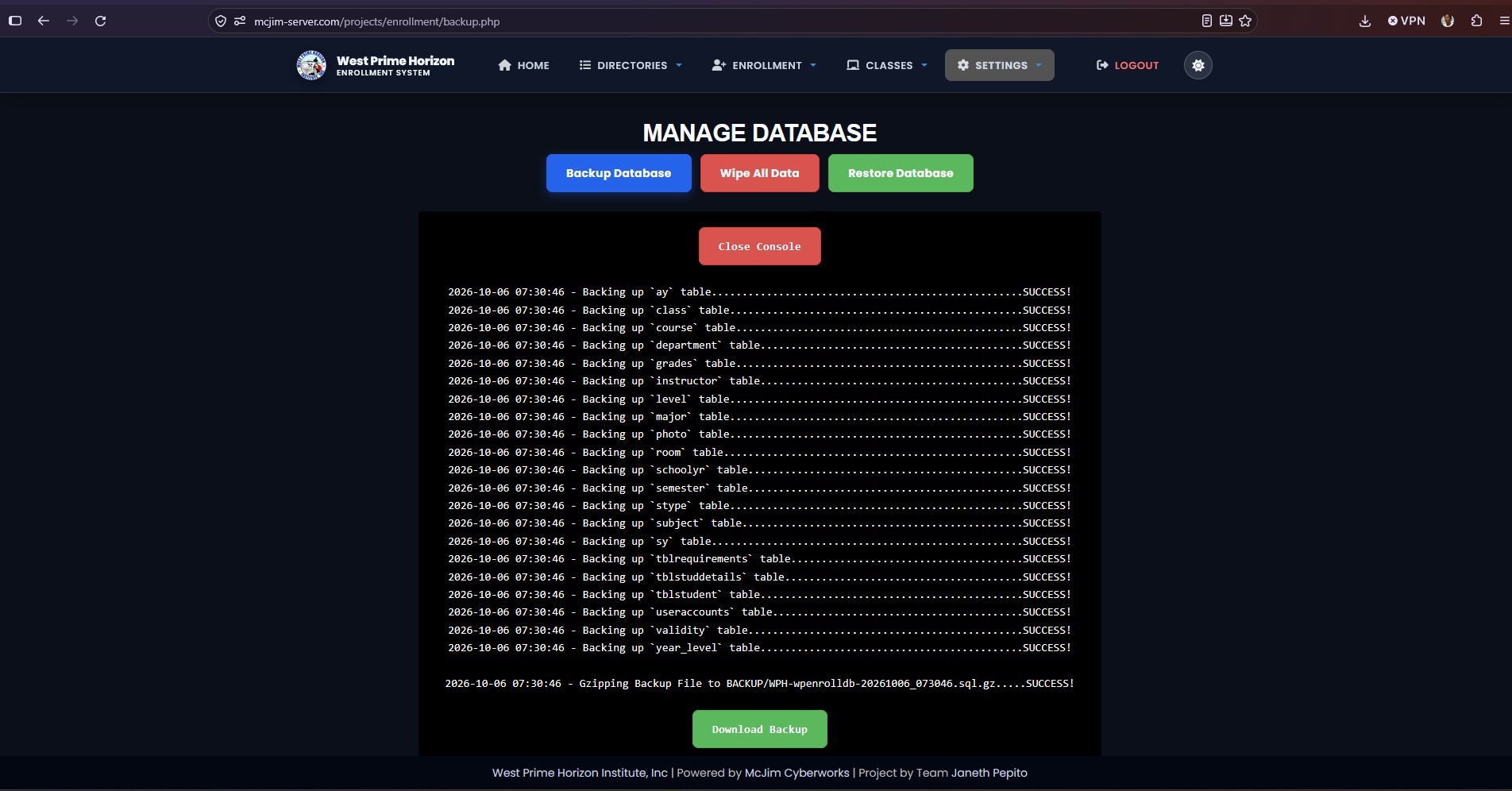
- Registrar Mode: Directories, Advising, Rosters, Reports & Database Backup.
- Administrator Mode: Full Access including User Management & System Database Backups.
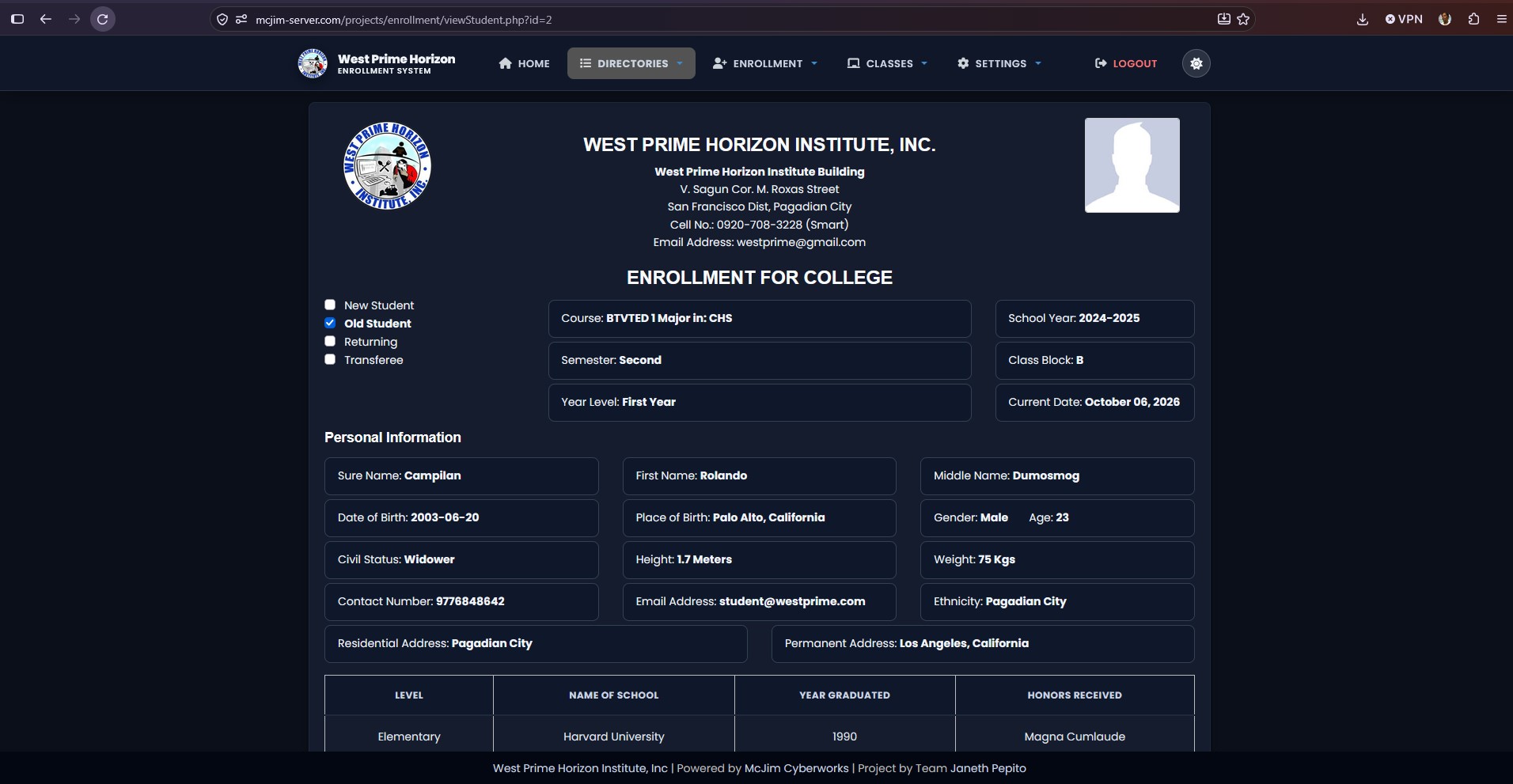
🖨️ Standardized Print Layout Engine
- Dedicated Print Stylesheet (
@media print): Clean, borderless printable documents for student records (studentView.php,viewStudent.php). - Strict Image Aspect Ratios: Enforced
aspect-ratio: 2/2(1:1 square ratio) for institution logos and student photos. - Single-Line Truncated Signatures: Guarantees student signature names remain strictly on a single line (
white-space: nowrap,text-overflow: ellipsis) above signature lines.
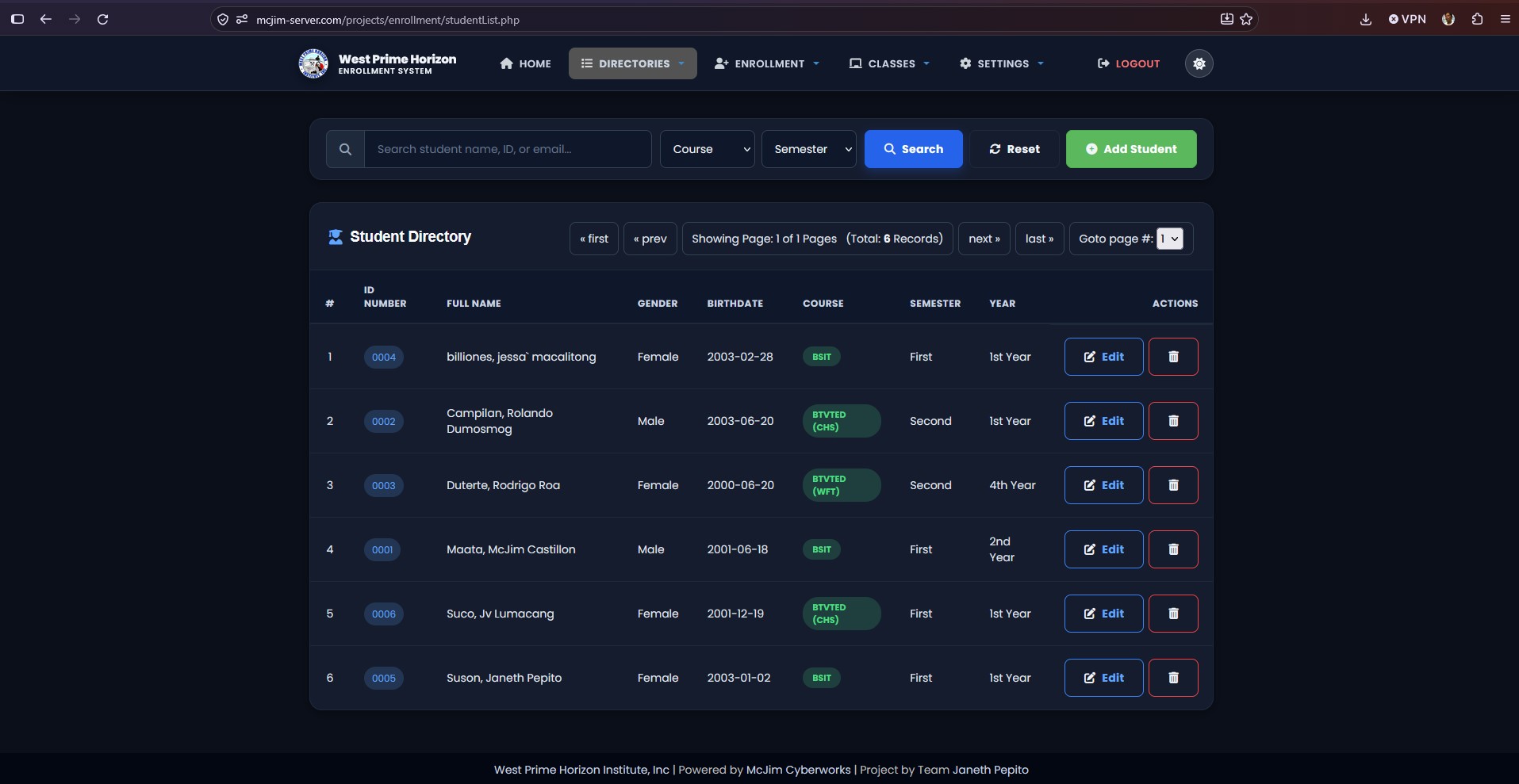
🎨 Refined UI Layout & Spacing ("Air to Breathe")
- Form Controls & Inputs: Modernized
48pxinput heights, custom focus glows, and expanded form group padding. - Query Filter Panels: Full-width
col-md-12form panels with single flex-row action buttons (Search, Reset, Add). - Directory List Actions: Modern primary (
.btn-primary) and danger outline (.btn-outline-danger) buttons with FontAwesome 5 icon sets. - Theme-Aware Badges & Pagination: Custom status badges (
.badge-status-active,.badge-status-pending, etc.) and dark-mode compatible pagination controls (ul.pager,ul.pagination).
🛠️ Tech Stack
- Backend Core: PHP 8.0+ (
spl_autoload_registerautoloader,mysqlidatabase layer) - Database: MySQL 5.7+ / MariaDB
- Frontend Core: HTML5, Vanilla CSS3 (Custom Design Tokens & Glassmorphism), JavaScript (ES6+)
- UI Frameworks: Bootstrap 3, FontAwesome 5 Icons
- Web Server: Apache / Nginx with PHP-FPM
👩💼 User Roles & Access Control
| Role | Access Scope | Key Capabilities |
|---|---|---|
| Guest | Unauthenticated | View Landing / Login, Self-Service Account Registration |
| Student | Student Portal | View Profile, Track Enrollment Status, Submit Online Registration |
| Encoder | Data Entry Staff | Manage Student & Subject Records, Subject Advising, Class Rosters |
| Registrar | Academic Office | Full Academic Records Management, Official Reports, Database Backups |
| Administrator | System Admin | System Configuration, User Management, Full Database Tools |
🗺️ Project Roadmap
- ✅ PHP 8.0+ Engine Upgrade: Full
spl_autoload_registerautoloader &mysqliwrapper migration. - ✅ Global Dark / Light Theme System: Complete theme engine with
localStoragepersistence. - ✅ Unified Single Navigation Architecture: Role-based navbar consolidation (
menu.php). - ✅ Print Layout System:
@media printformatting with 1:1 image aspect ratio and single-line signatures. - ✅ UI Layout & Spacing Refactoring: Full-width filter bars, flex action buttons, and modernized directory lists.
- 🔄 Upcoming: SMS and Email notifications for student enrollment status updates.
- 🔄 Upcoming: Real-time analytics dashboard for institutional enrollment statistics.
- 🔄 Upcoming: RESTful API endpoints for mobile application integration.
⚡ Quick Start & Setup
- Clone / Place Project: Ensure the workspace is located inside your Apache root (e.g.
d:/Server/www/projects/enrollment/). - Database Setup: Import
enrollment.sql(or latest backup) into your MySQL / MariaDB server. - Database Configuration: Update connection parameters in
includes/config.php:defined('DB_SERVER') ? NULL : define("DB_SERVER", "localhost"); defined('DB_USER') ? NULL : define("DB_USER", "root"); defined('DB_PASS') ? NULL : define("DB_PASS", ""); defined('DB_NAME') ? NULL : define("DB_NAME", "dbenrollment"); - Run Application: Navigate to
http://localhost/projects/enrollment/login.phpin your browser.
📜 License & Credits
Maintained by West Prime Horizon System Team.
All rights reserved. Designed for streamlined academic administration.