Legislative System (LegislativeSys)
Overview
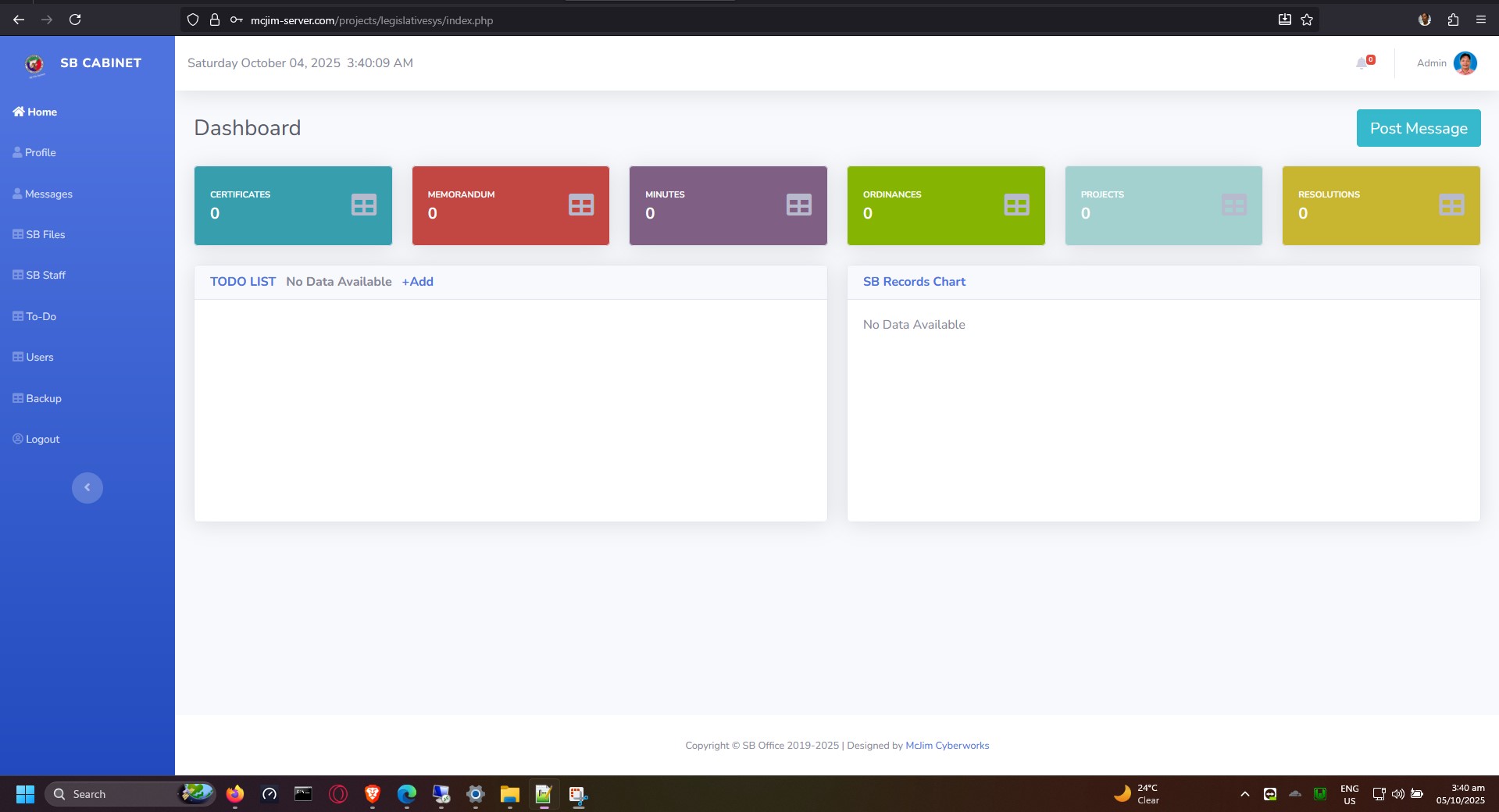
LegislativeSys is a PHP-based web application designed to manage legislative documents, user accounts, and internal communications. It provides a centralized dashboard for tracking document files, assigning tasks via a to-do list, managing employees, and facilitating internal messaging.
Recently updated to be fully compatible with PHP 8+.
Features
- Dashboard & Analytics: A central hub displaying document counts, file usage, and active tasks.
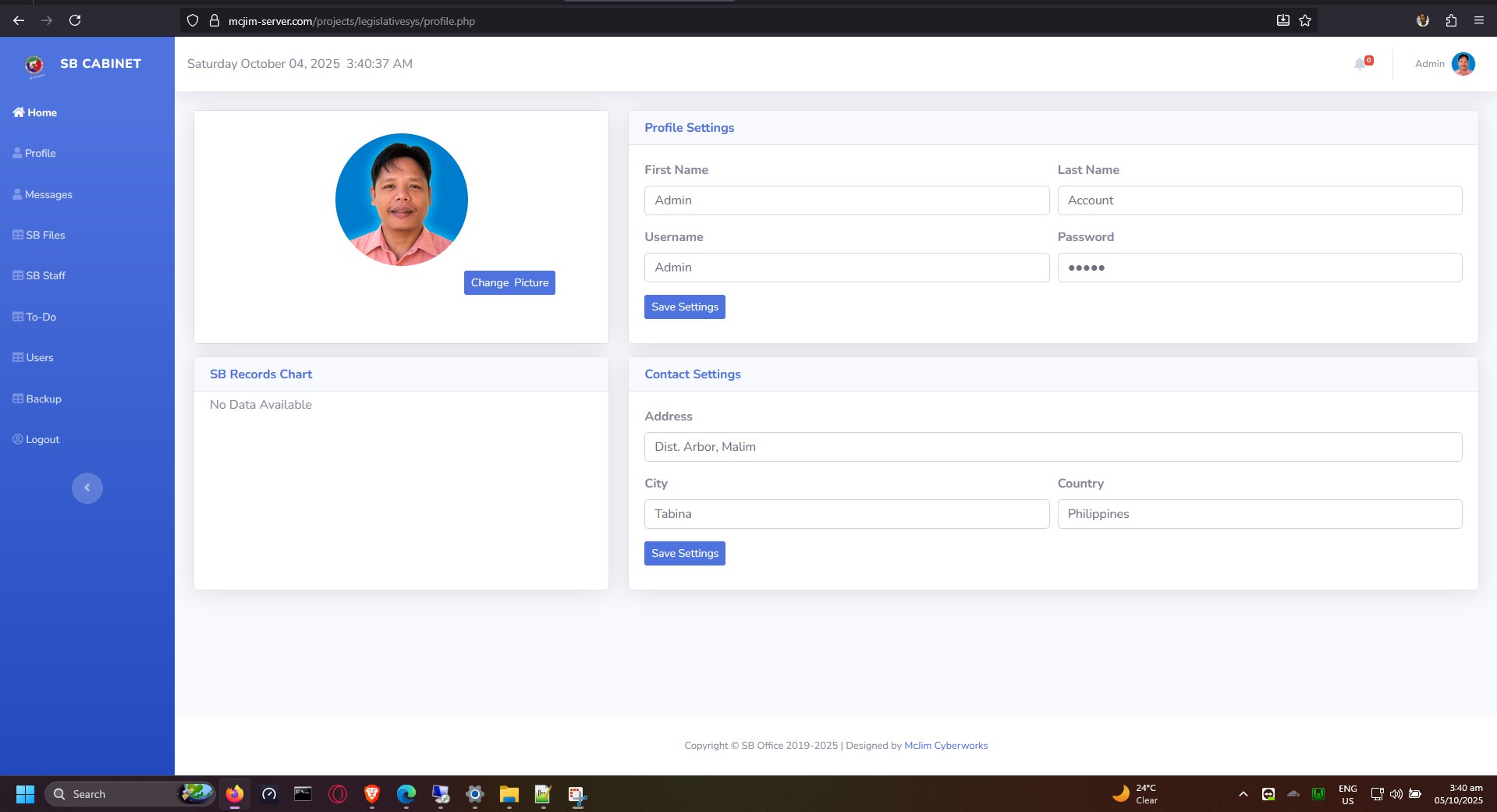
- User & Employee Management: Manage user accounts and employee profiles. Includes online/offline status tracking and automatic QR code generation for user profiles.
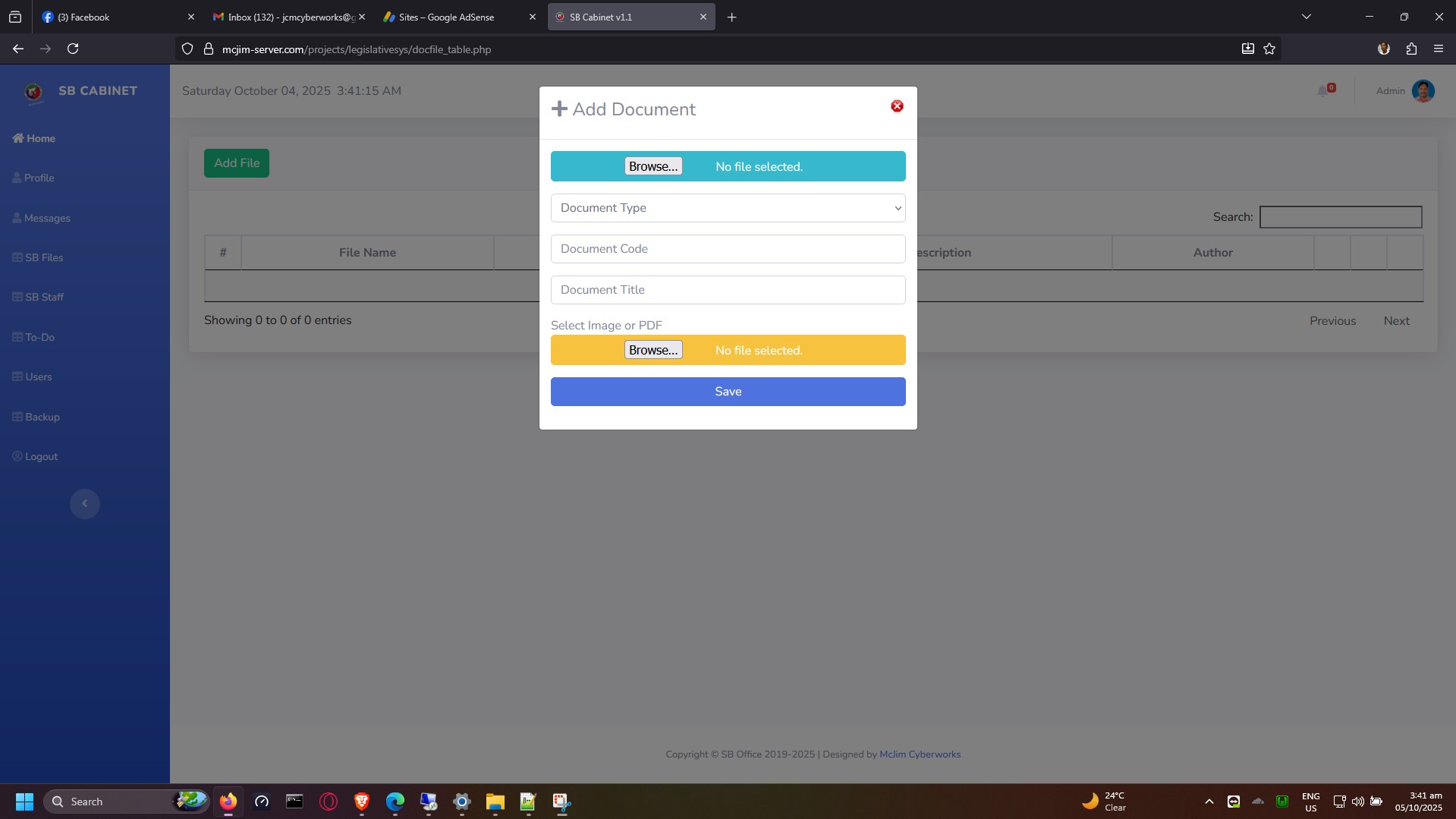
- Document Management: Upload, organize, and track document files (docfiles).
- Task Management (To-Do List): Add, view, and track tasks directly from the dashboard.
- Internal Messaging System: Send and receive messages among registered users.
- Authentication & Security: Secure login, registration, and password recovery functionality.
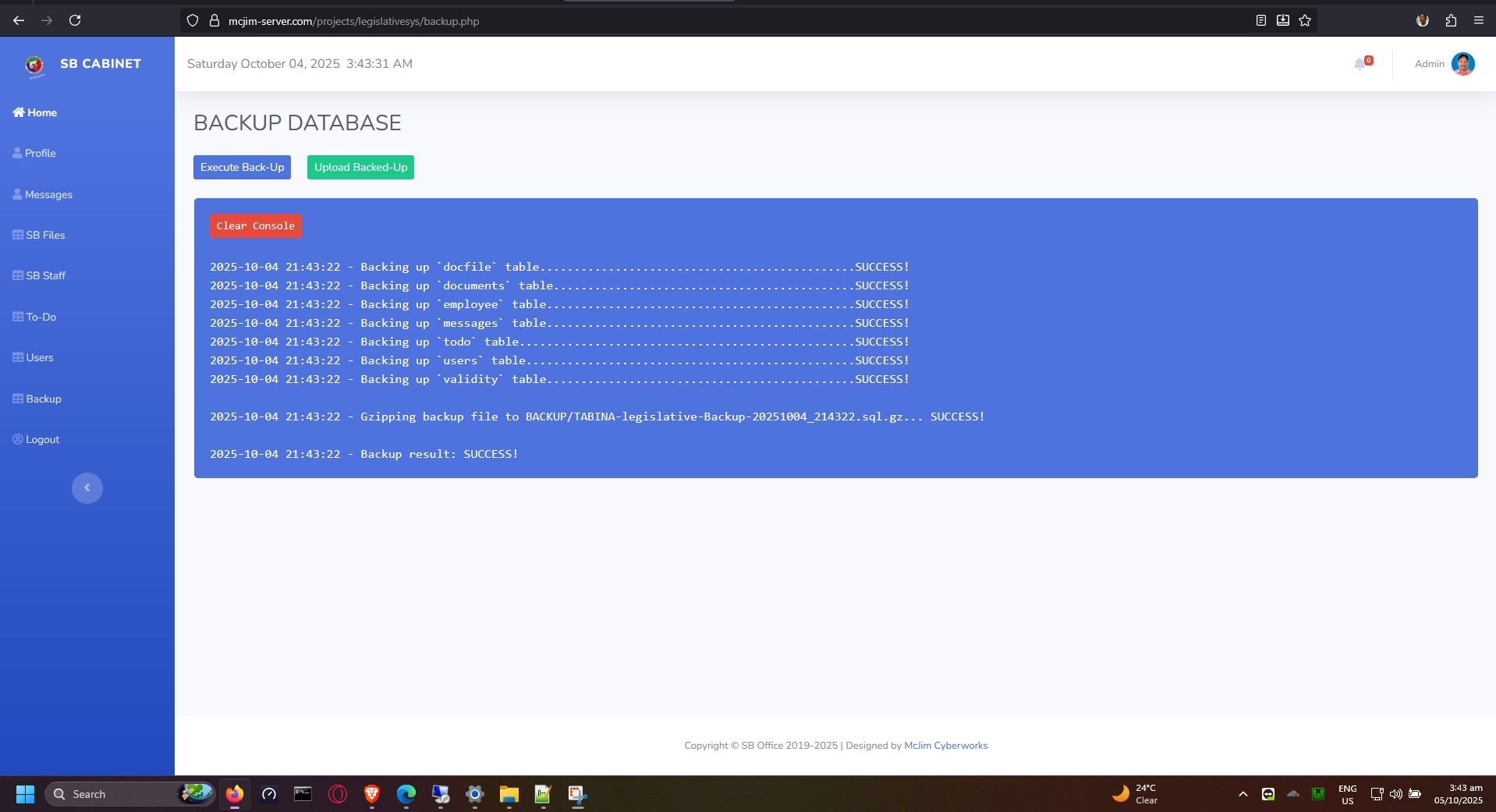
- Database Backup: Built-in tools for generating database backups (
backup.php).
Requirements
- PHP: Version 8.0 or higher.
- Database: MySQL / MariaDB (managed via
mysqliextension). - Web Server: Apache / Nginx / IIS.
- Libraries/Extensions:
php-gd(required for QR code generation viaqrlib)mysqliextension enabled
Installation & Setup
-
Clone or Download the Repository: Place the project files into your web server's document root (e.g.,
D:\Server\www\projects\legislativesys). -
Database Configuration: Create a database named
legislative(or your preferred name) and import your initial SQL schema. -
Configure Connection Details: Open
connect.phpand update the database credentials if necessary:if (!defined('DB_HOST')) { define('DB_HOST', 'localhost'); define('DB_USERNAME', 'McJim'); define('DB_PASSWORD', 'Restricted654123'); define('DB_NAME', 'legislative'); } -
Directory Permissions: Ensure the web server has write access to the following directories for uploads and caching:
assets/img/users/qrcodes/(For automatic QR code generation)assets/img/users/(For profile pictures)
-
Run the Application: Access the system via your web browser:
http://localhost/projects/legislativesys/
Technology Stack
- Backend: PHP 8+
- Frontend: HTML5, CSS3, JavaScript (jQuery DataTables, Facebox)
- Database: MySQL
- Third-Party Libraries:
qrlib(for QR Code generation)
Recent Updates
- Upgraded to fully support PHP 8+.
- Removed deprecated PHP 4 style constructors (
function ClassName()). - Fixed constant redefinition warnings and session state notices.