School Information & ID System 🎓



A comprehensive, modern, and responsive School Information System built to seamlessly manage student records, faculty profiles, and automatically generate high-quality, printable ID Cards for various educational levels.
Designed and developed by McJim Cyberworks.
🌟 Key Features
👥 User & Record Management
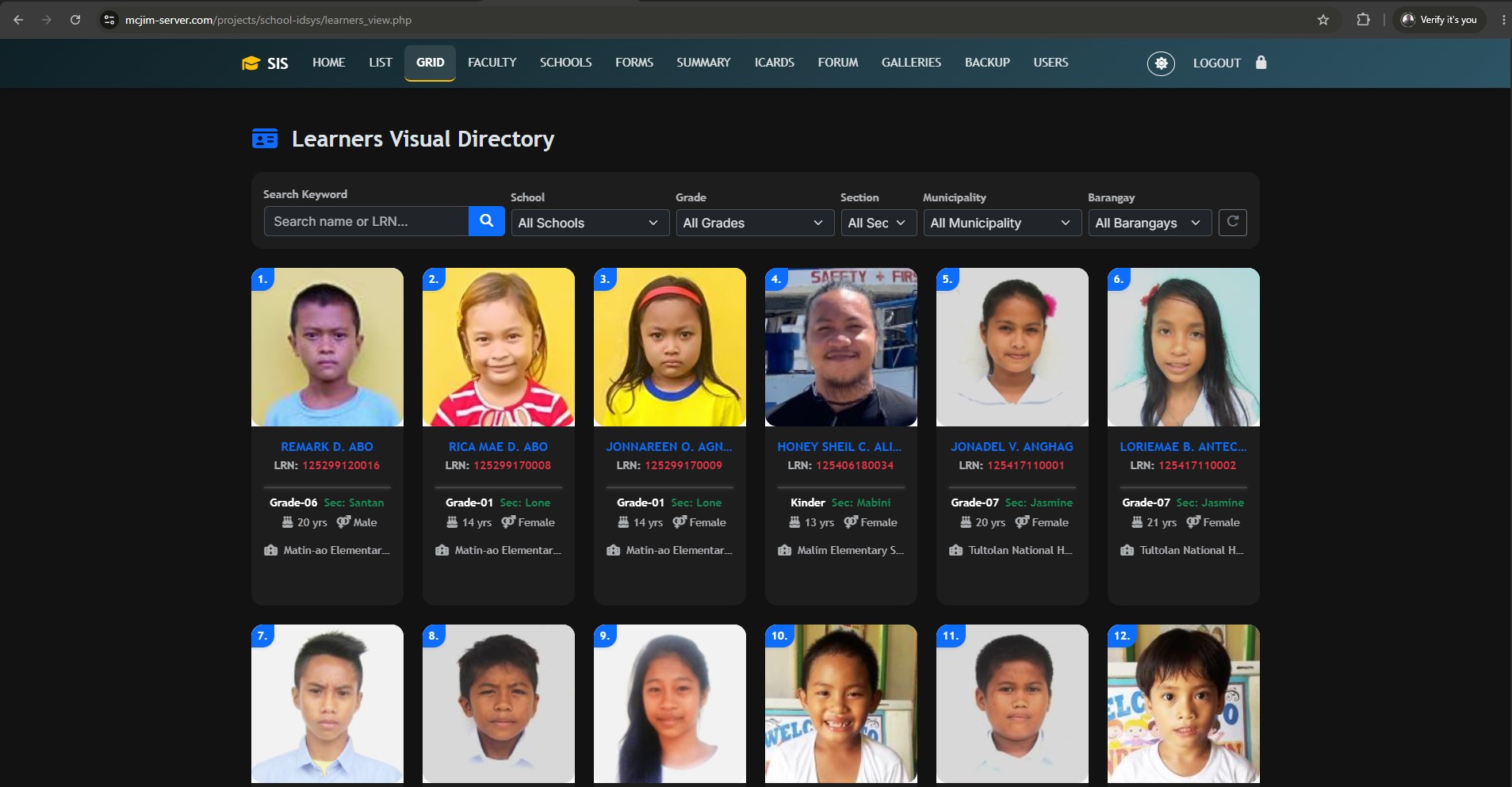
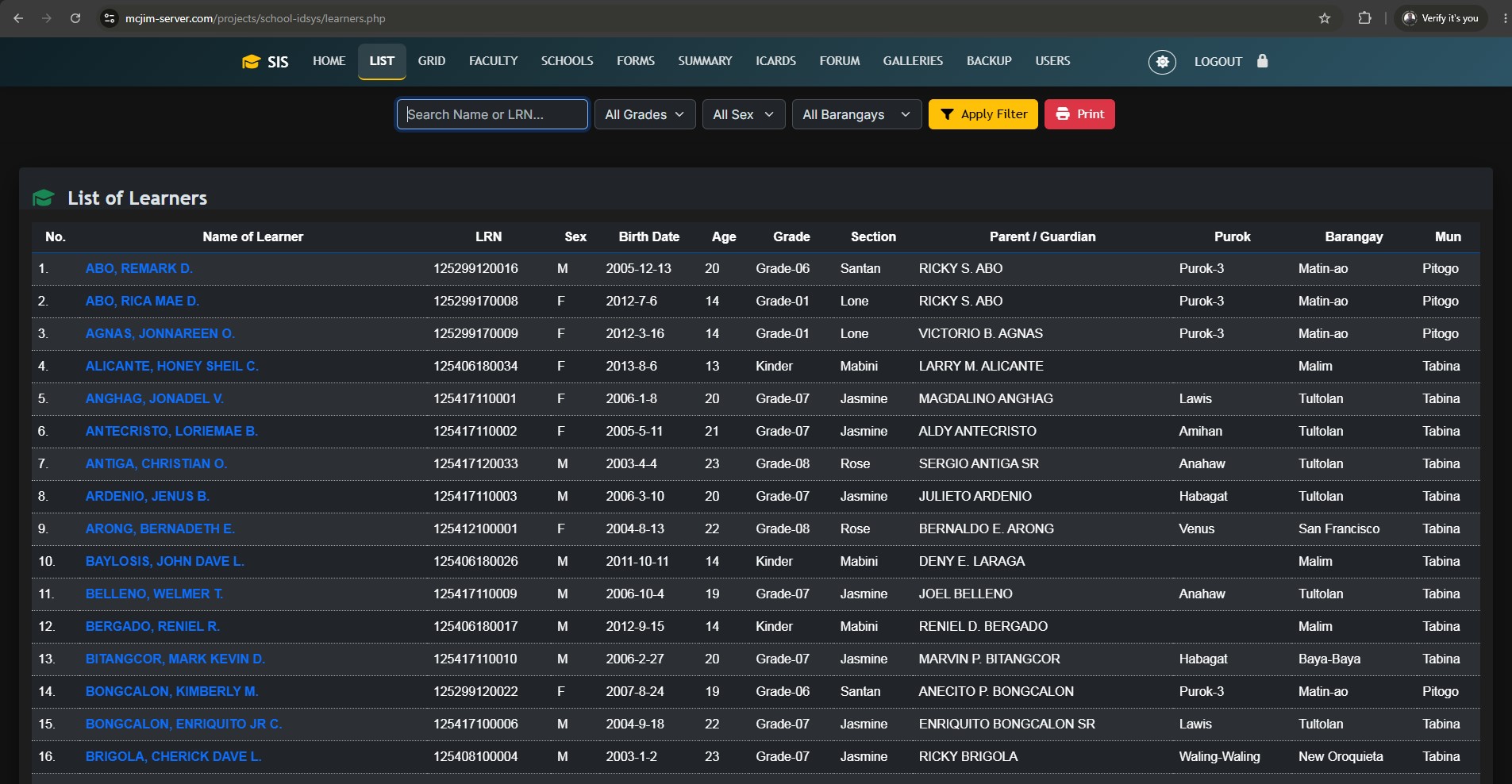
- Learners Masterlist: Maintain organized records of students across all grade levels. Advanced filtering by Grade, Sex, and Barangay.
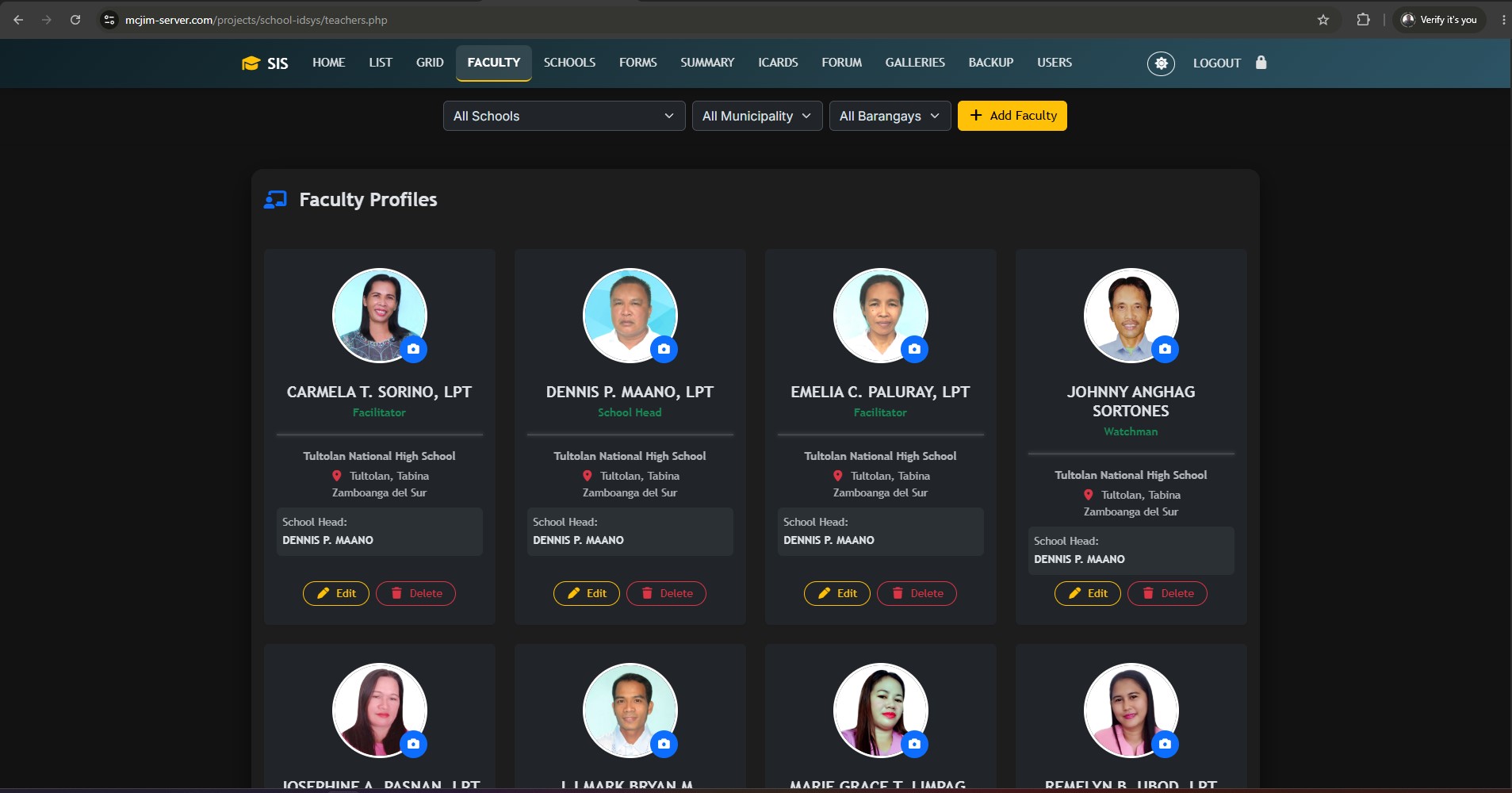
- Faculty & Staff Profiles: Manage teacher profiles and staff assignments per school and municipality.
- Schools Directory: Manage data for different school branches or districts.
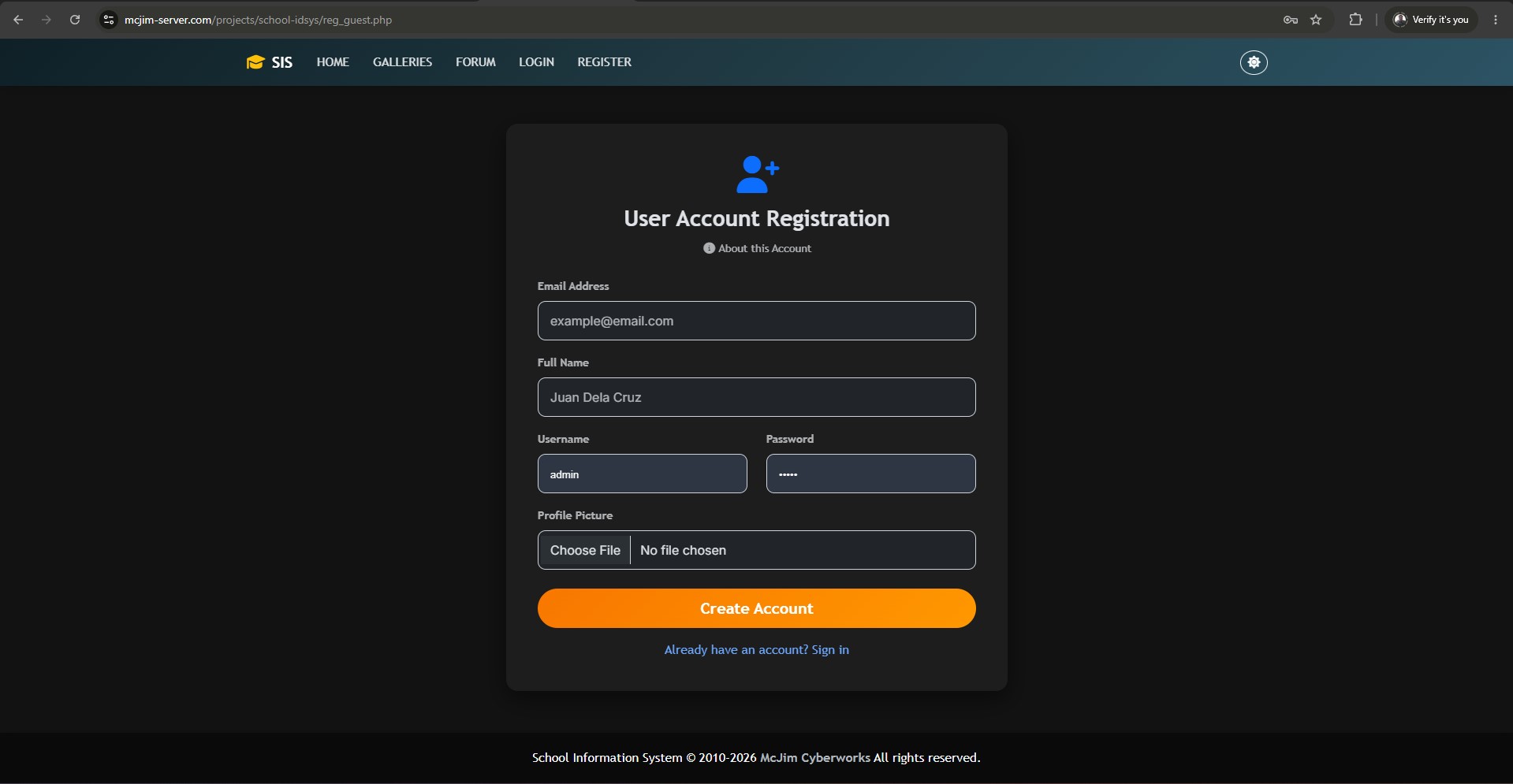
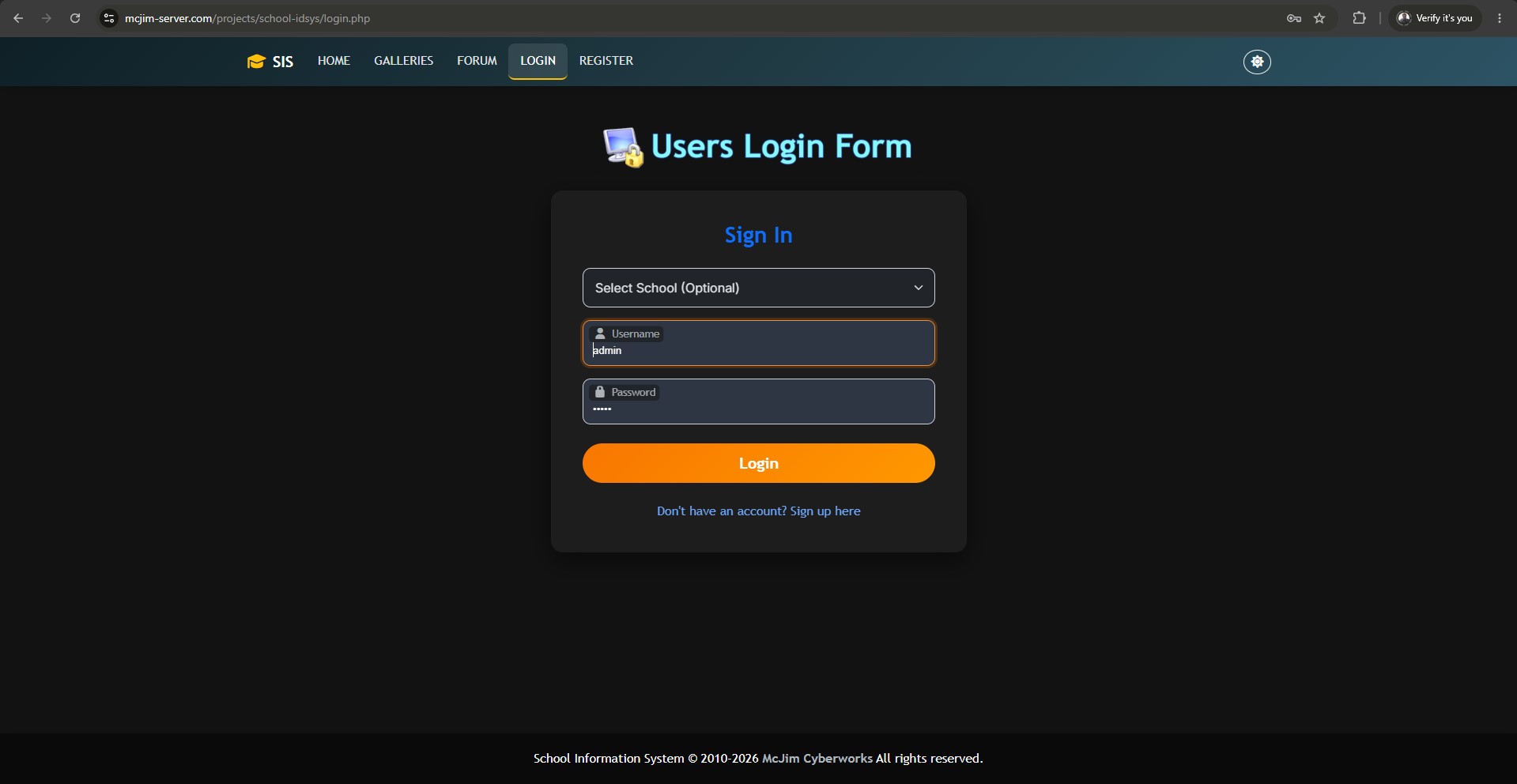
- Role-based Access Control: Secure login system with distinct privileges for
SuperAdmin,SchoolAdmin, andStudent.
🪪 Automated ID Card Generation
- Generate print-ready, professionally designed ID Cards instantly.
- Supports customized templates for:
- Elementary Students
- Daycare Students
- Teachers & Faculty
- General Learners
💬 Communication & Media
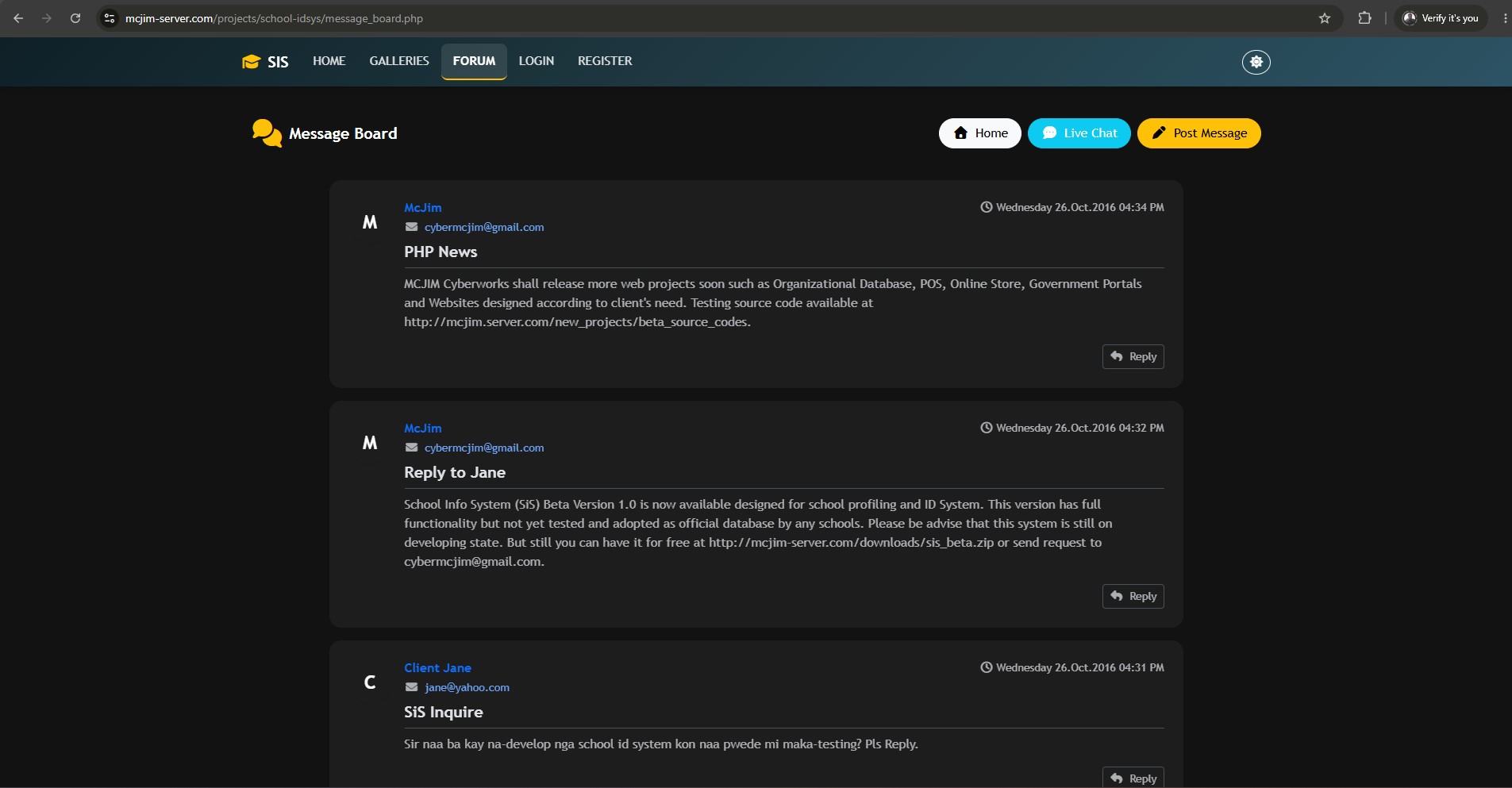
- Message Board: A built-in forum for announcements and community discussions.
- Live Chat: Real-time chat room for instant communication among registered users.
- Media Galleries: Browse, upload, and manage school documents, pictures, videos, and music.
⚙️ System Administration
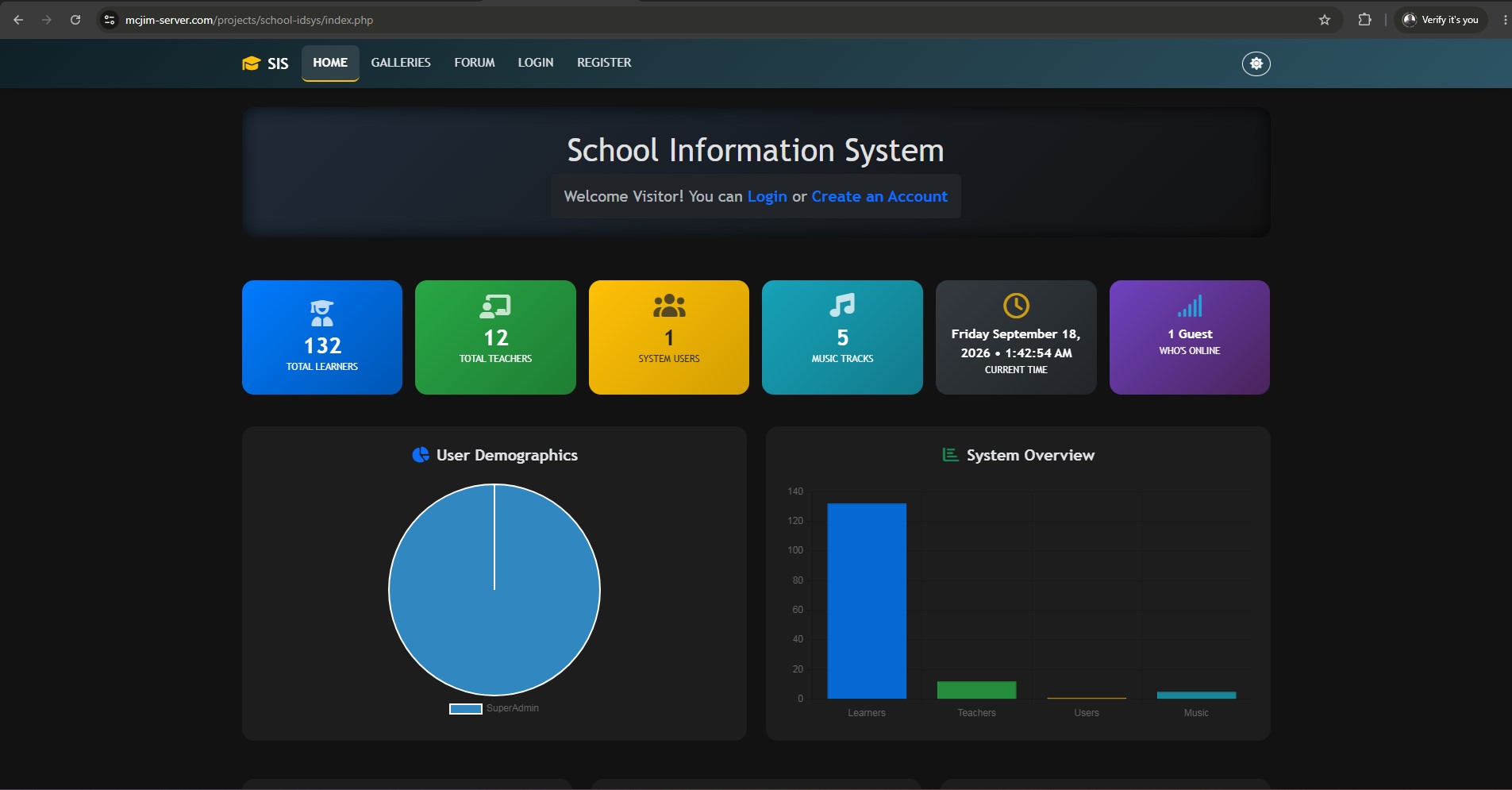
- Summary Reports: Generate and print comprehensive statistical reports.
- Session & Audit Logs: Track active sessions ("Who's Online") and historical system access logs.
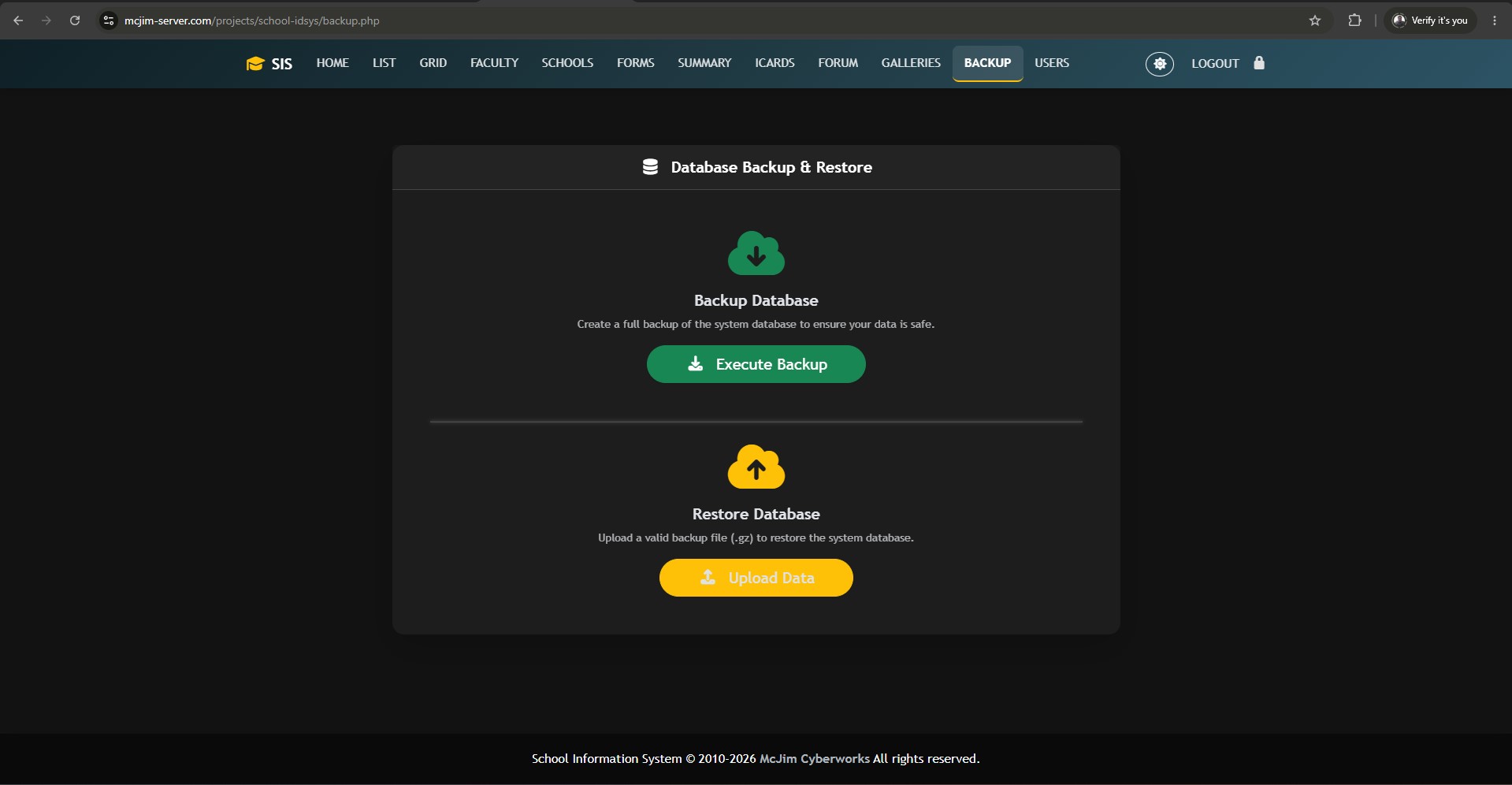
- Backup & Restore: Built-in database backup and restoration utilities to prevent data loss.
🎨 UI/UX Highlights
The system recently underwent a complete UI/UX modernization to provide a premium user experience:
- Modern Bootstrap 5 Architecture: Fully responsive grid, modern typography, and flexbox layouts.
- Premium Dark Mode Support: Intelligent, dynamic dark mode toggling without legacy hardcoded colors.
- SweetAlert2 Integrations: Beautiful, responsive, and animated popup alerts for confirmations and errors.
- Unified Control Bars: Consistent, sticky, full-width
t_controlstoolbars for filtering and actions across all modules. - FontAwesome 6 Icons: Crisp, scalable vector icons throughout the interface.
🚀 Installation & Setup
-
Clone the Repository Place the project folder into your local web server directory (e.g.,
htdocsfor XAMPP orwwwfor WAMP). -
Database Configuration
- Create a new MySQL database.
- Import the provided SQL backup file into your new database.
- Open
connect.phpand update the database credentials (hostname, username, password, dbname) to match your local setup.
-
Login
- Access the project via your web browser (e.g.,
http://localhost/school-idsys). - Log in using your Administrator credentials.
- Access the project via your web browser (e.g.,
📁 Project Structure
/images/- Stores user avatars, school logos, ID templates, and gallery assets./style/- Contains core CSS files, including the modernizedpremium.cssfor custom UI tokens./scripts/- Core JavaScript files for theme toggling, navigation state, and form validation./message_board/- Text-based storage for the forum and chat system.*_id.php- Modules specifically designed for ID Card layout and generation.
📝 License & Credits
MCJIM CYBERWORKS
Providing Information Technology (IT) sales and services to marginal communities.
- Developer: McJim Castillon Maata
- Location: Malim, Tabina, Zamboanga del Sur, Philippines
- Contact: cybermcjim@gmail.com
Note: This software is designed for authorized educational institutions. Unauthorized distribution or modification is prohibited.