Modern Convenience Store POS 🏪
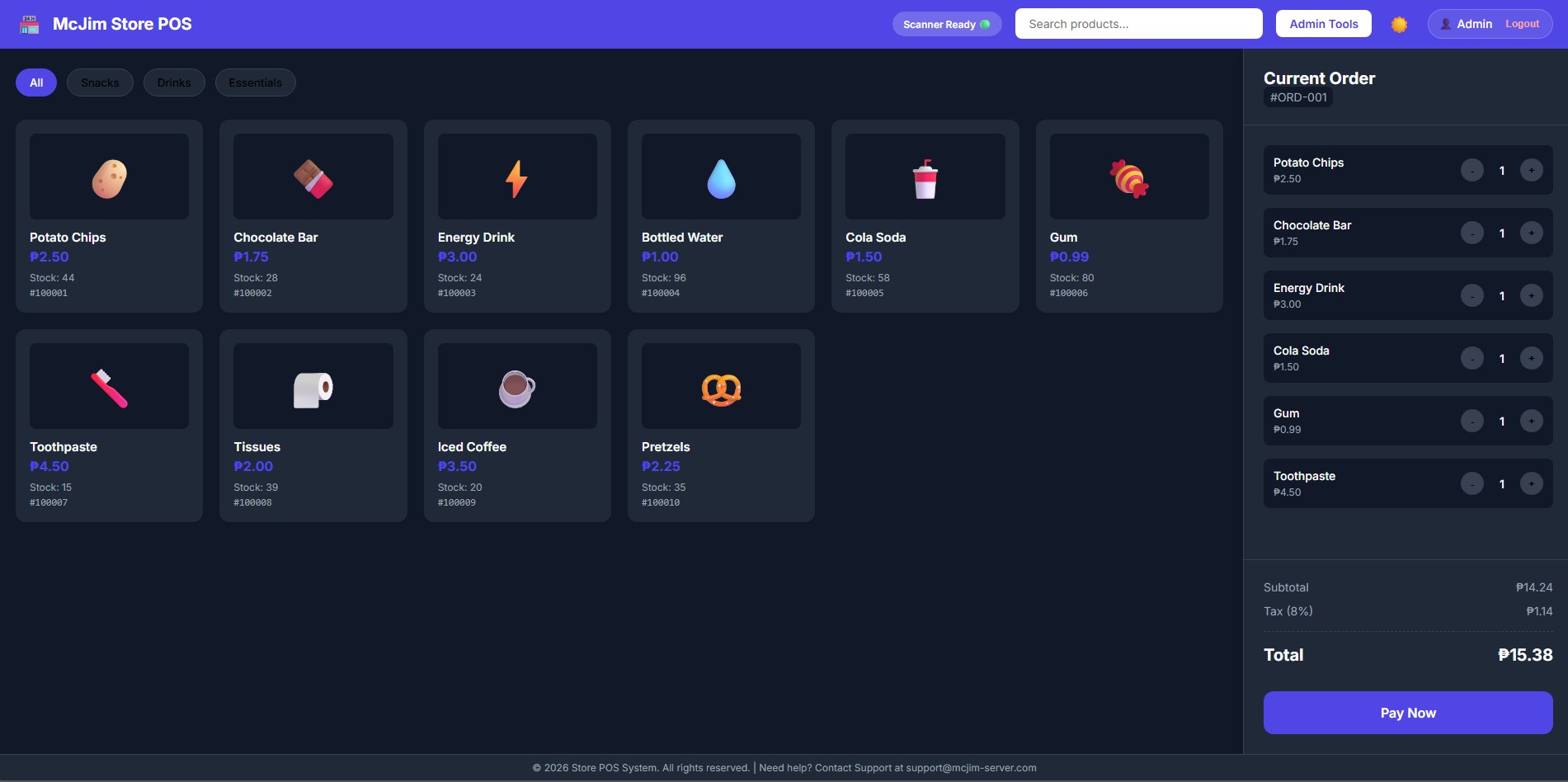
A lightweight, fully responsive Point of Sale (POS) system built for modern convenience stores. It features a clean native-like UI, real-time inventory management, detailed sales analytics, and multi-terminal support.
Designed to be simple to deploy and use, it runs completely locally with a Python backend and a Vanilla JS/HTML/CSS frontend.
✨ Features
- Modern & Responsive UI: Looks beautiful on desktop monitors and mobile tablets/phones. Built with CSS Grid and Flexbox.
- Native App Feel: Optimized for touch screens (zoom locked, text highlighting disabled).
- Dark & Light Mode: Seamlessly switch between themes for different lighting environments.
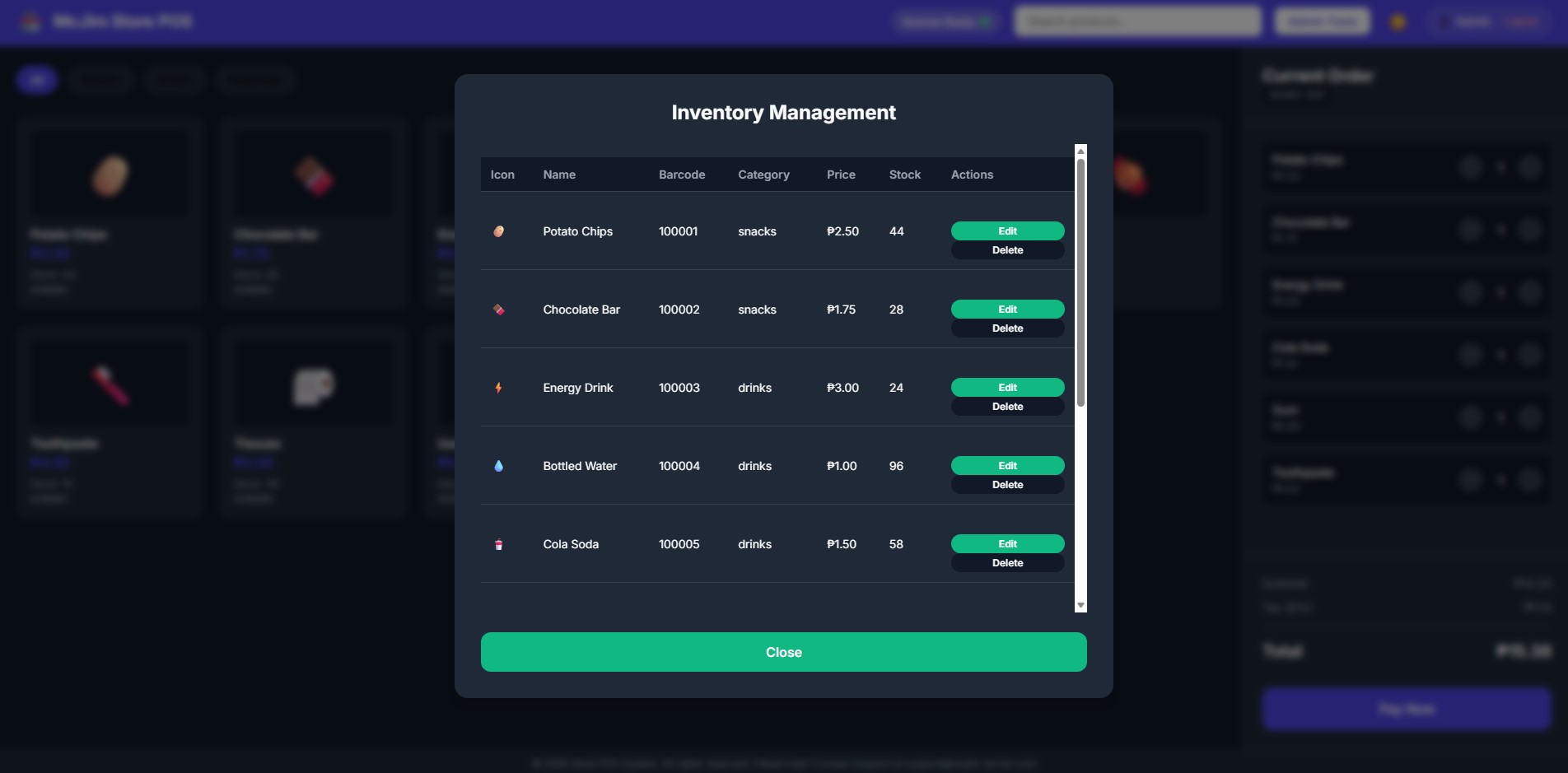
- Inventory Management: Add, edit, and delete products (with barcode scanning support).
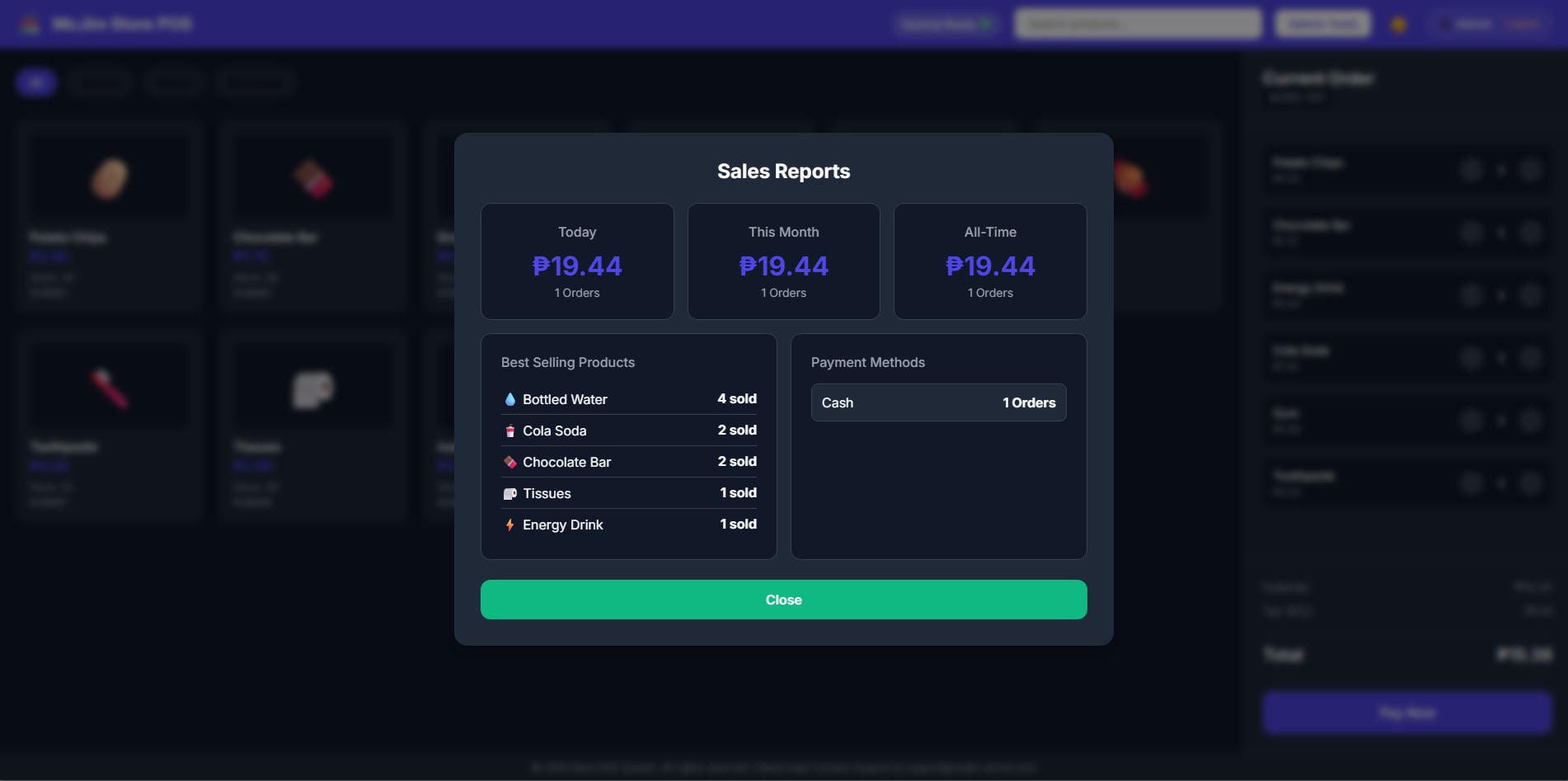
- Detailed Sales Analytics: Track daily, monthly, and all-time revenue, view best-selling products, and monitor payment methods (Cash vs. Card).
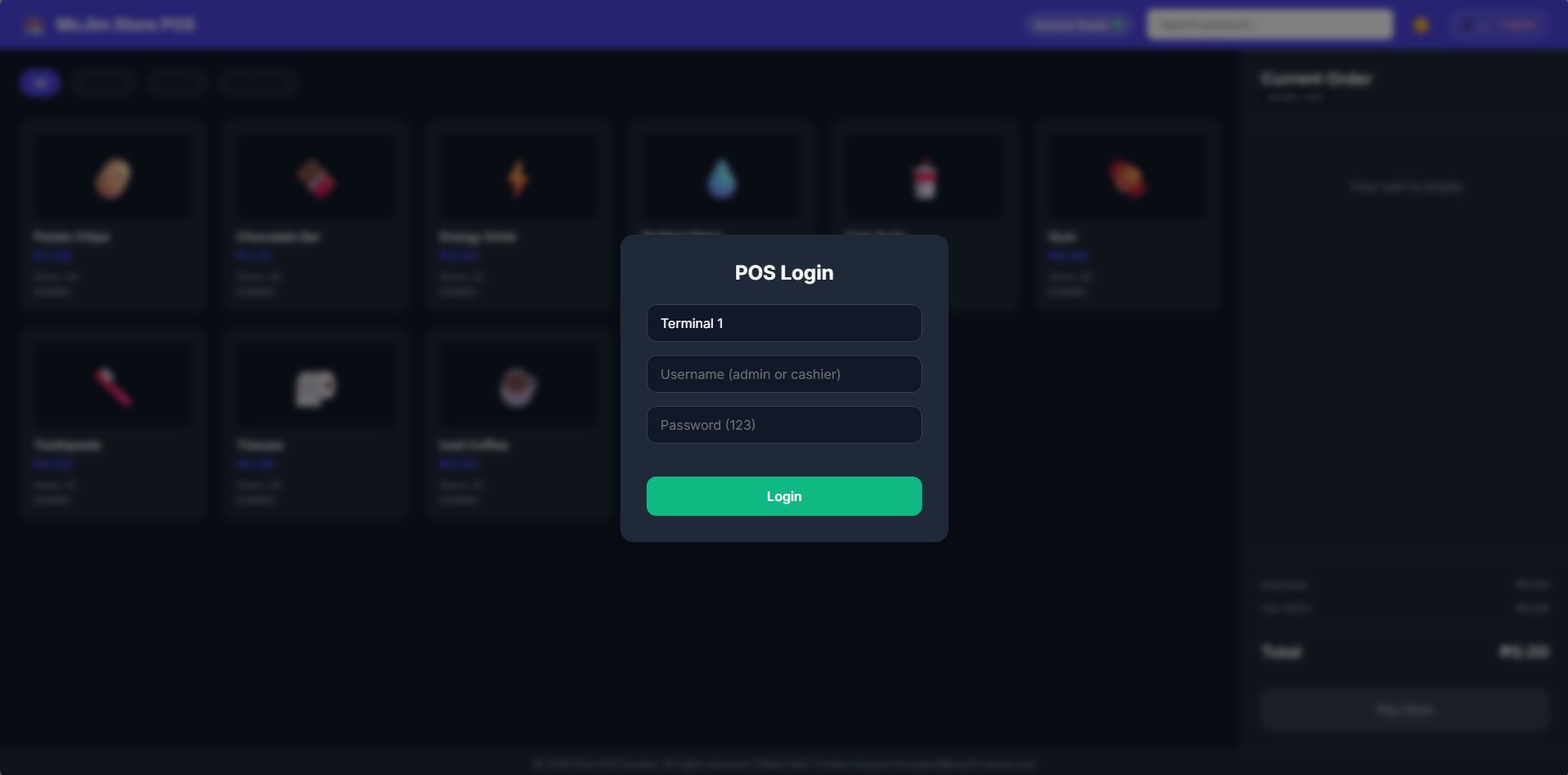
- Multi-Terminal Support: Cashiers can specify their terminal name upon login for tracking.
- Zero-Dependency Frontend: Written in pure HTML, CSS, and Vanilla JavaScript. No node or build tools required.
🛠 Tech Stack
- Frontend: HTML5, CSS3, Vanilla JavaScript (ES6)
- Backend: Python 3.14+, Flask
- Database: SQLite3 (
pos.db)
🚀 Quick Start (Windows)
Option 1: Standalone Executable (Recommended)
You can run the POS on any Windows machine without installing Python!
- Locate the pre-compiled executable at
dist/server.exe. - Copy
server.exeto your target computer (or a flash drive). - Double-click
server.exe. It will automatically launch the server and create a local database (pos.db) in the same folder.
Option 2: Development Mode (Python Required)
If you want to edit the code or run from source:
- Install Python: Ensure Python 3 is installed.
- Run the Server: Double-click
start.batto run via Flask. - Re-compile: If you make changes to the HTML/CSS/JS, double-click
build.batto automatically re-compile a freshserver.exeusing PyInstaller.
🔐 Default Credentials
To access the POS and Admin features, use the following default login:
- Username:
admin - Password:
123
(Cashiers can use cashier / 123, which restricts access to Admin Tools like Inventory and Reports).
📡 Network Access
Because the POS is served via Flask on 0.0.0.0:5000, you can access it from any device connected to the same local Wi-Fi network:
- Find the host computer's IPv4 Address (e.g.,
192.168.1.50). - Open a browser on a tablet or phone and navigate to
http://192.168.1.50:5000.
📁 Project Structure
dist/server.exe- The standalone compiled executable.index.html- The single-page application structure.style.css- All styling, themes, and mobile-responsive queries.app.js- Client-side logic (Cart, Checkout, API calls, Modals).server.py- Flask API and static file server.schema.sql- Database schema for SQLite.init_db.py- Script to generate/reset the database with dummy data.start.bat- One-click deployment script for dev.build.bat- Recompiles theserver.exefile.
📡 See also our deployed Projects
www.mcjim-server.com/projects