Victory Free WiFi - Internet sa Barangay Project

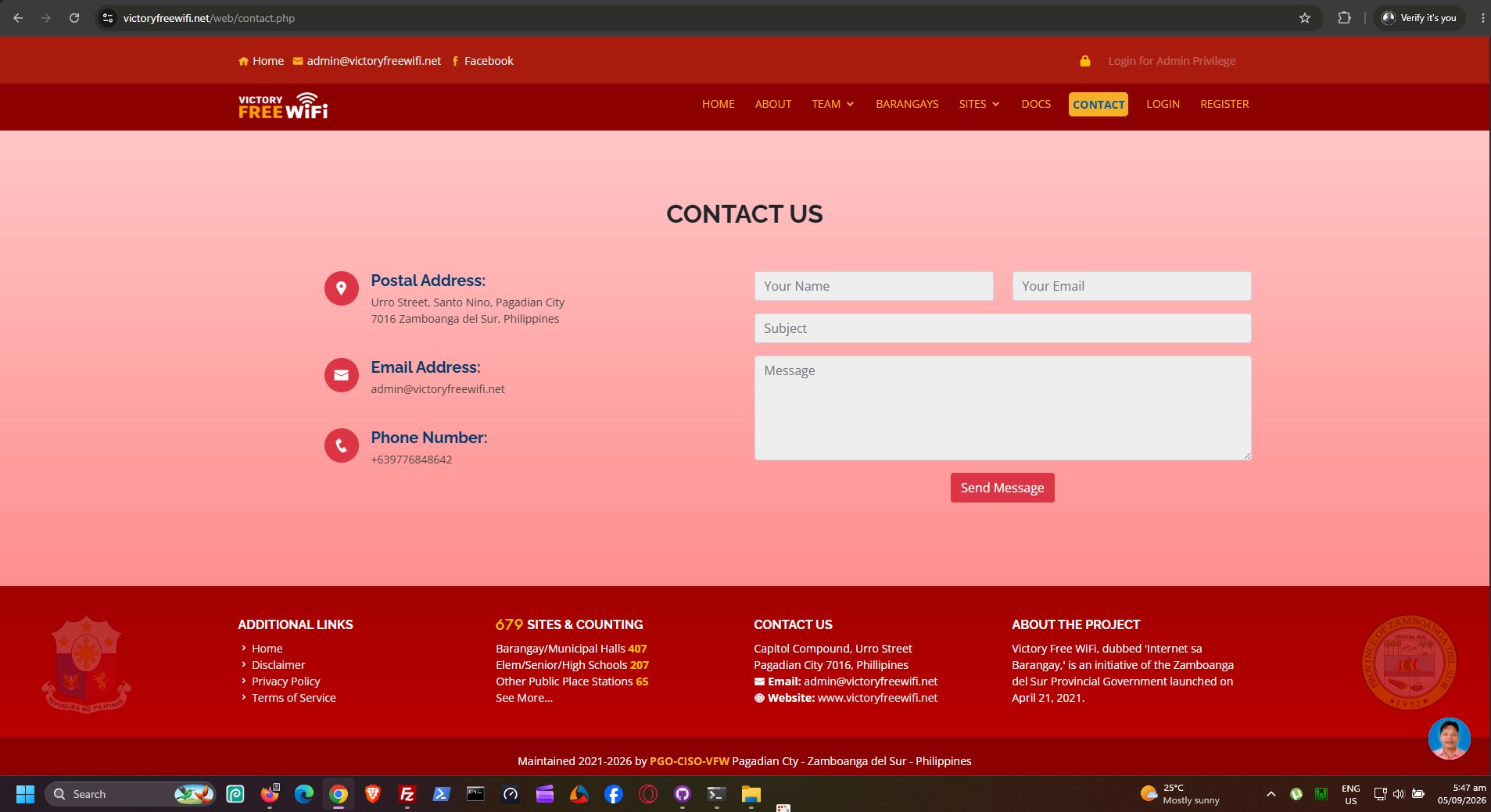
Welcome to the Victory Free WiFi (VFW) project repository. This web application serves as both a public informational portal and a comprehensive administrative dashboard for managing, monitoring, and deploying free internet access across various municipalities and barangays.
📖 Overview
The Internet sa Barangay Project aims to bridge the digital divide by bringing accessible and reliable WiFi to local communities. This system allows administrators to track deployment progress, monitor site health (active/down status), manage network topology, and maintain an inventory of base stations and hardware devices.
✨ Features
Public Portal
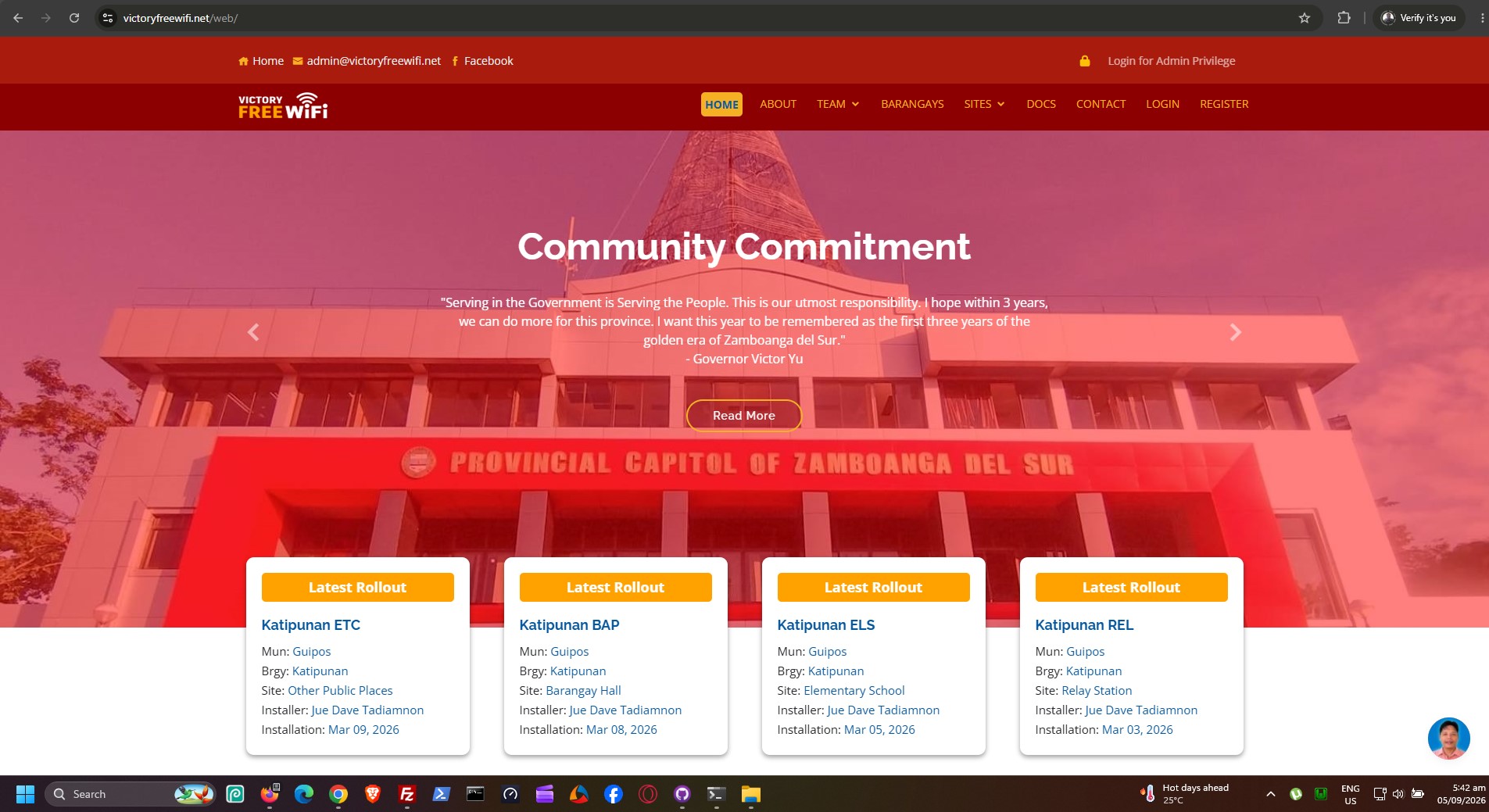
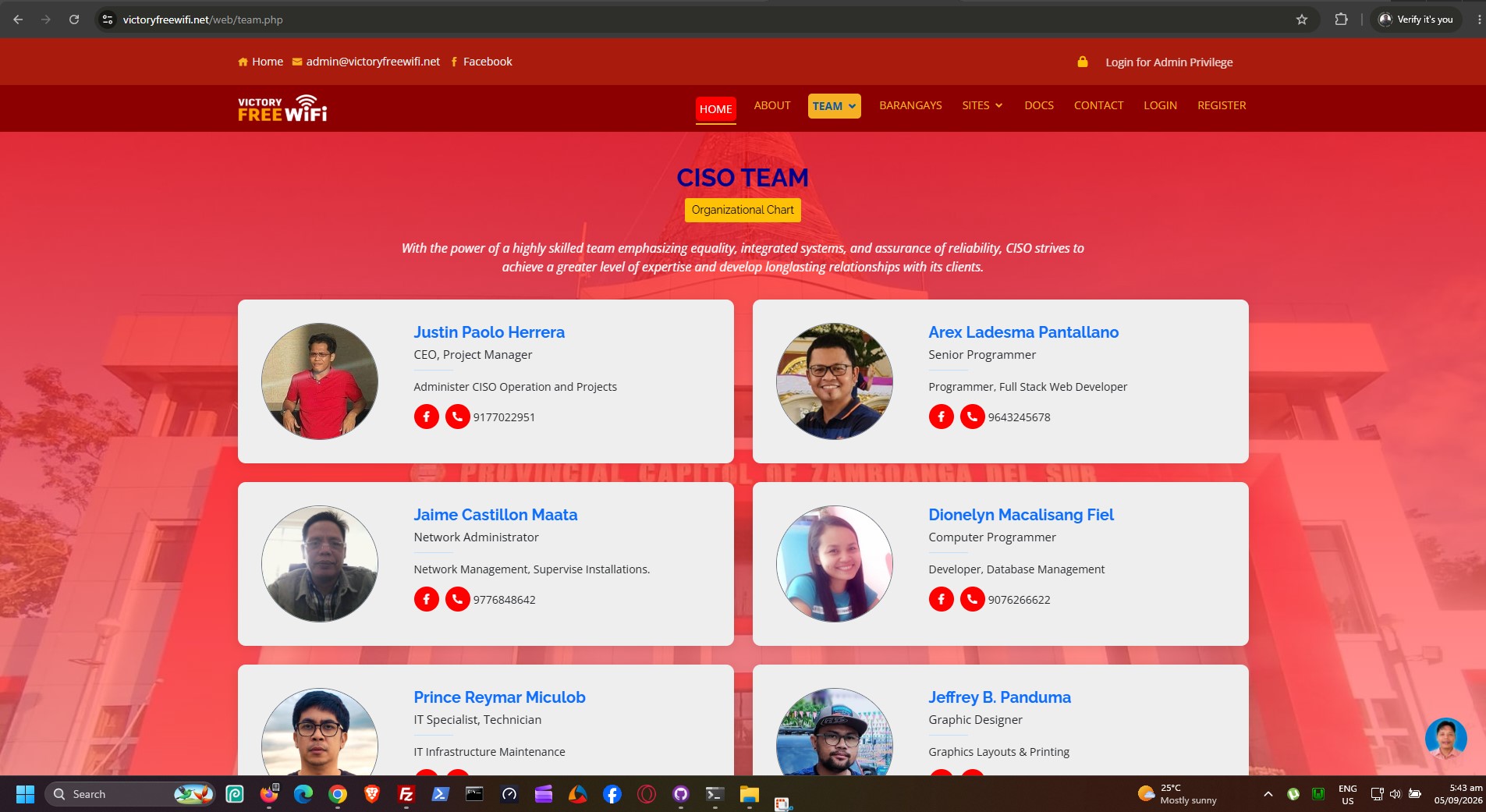
- Landing Pages: Informational pages including Home, About, Services, Portfolio, and Team.
- Project Transparency: Public visibility into the mission, goals, and rollout phases of the free WiFi initiative.
Admin Dashboard (Authenticated)
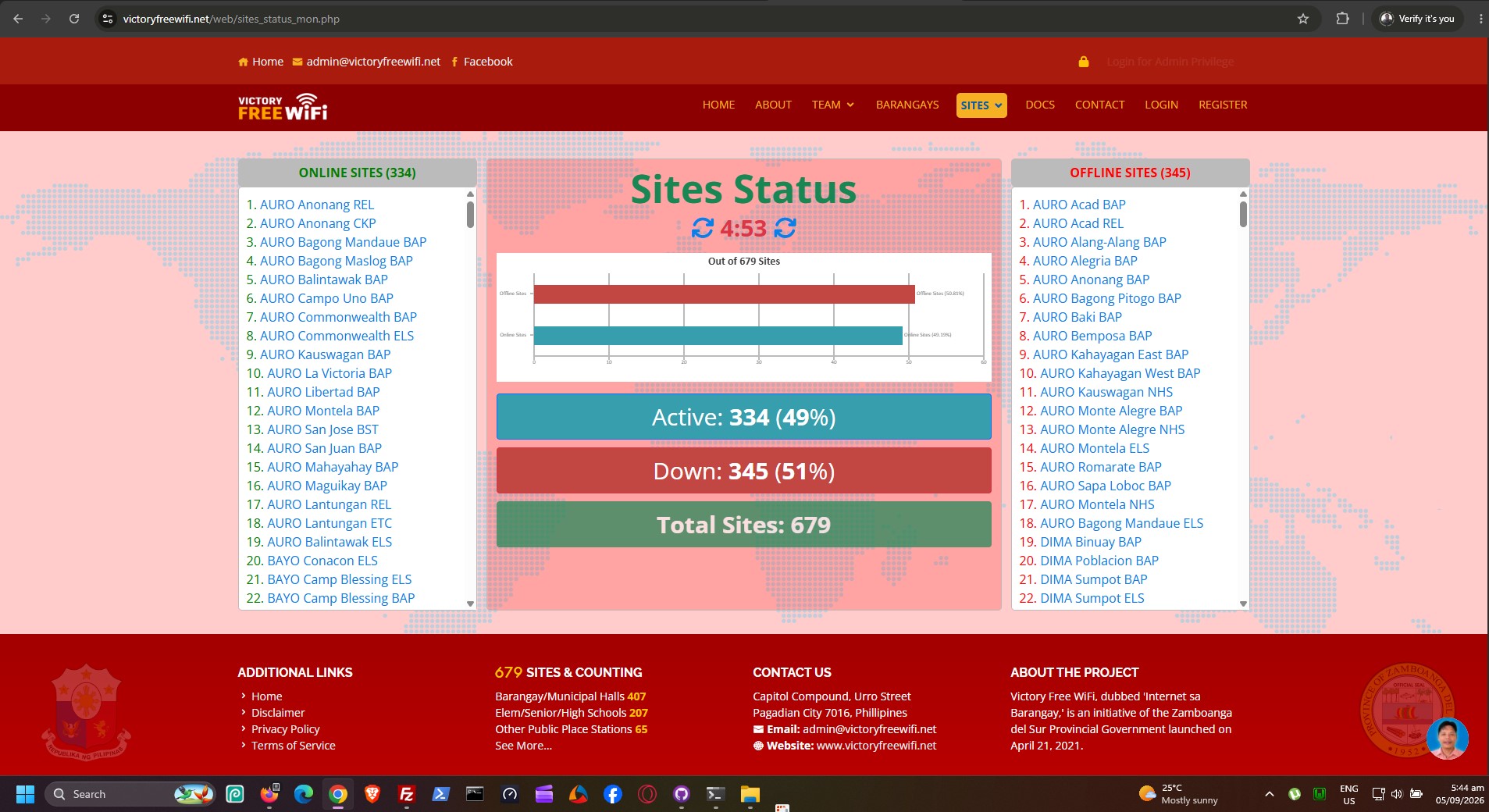
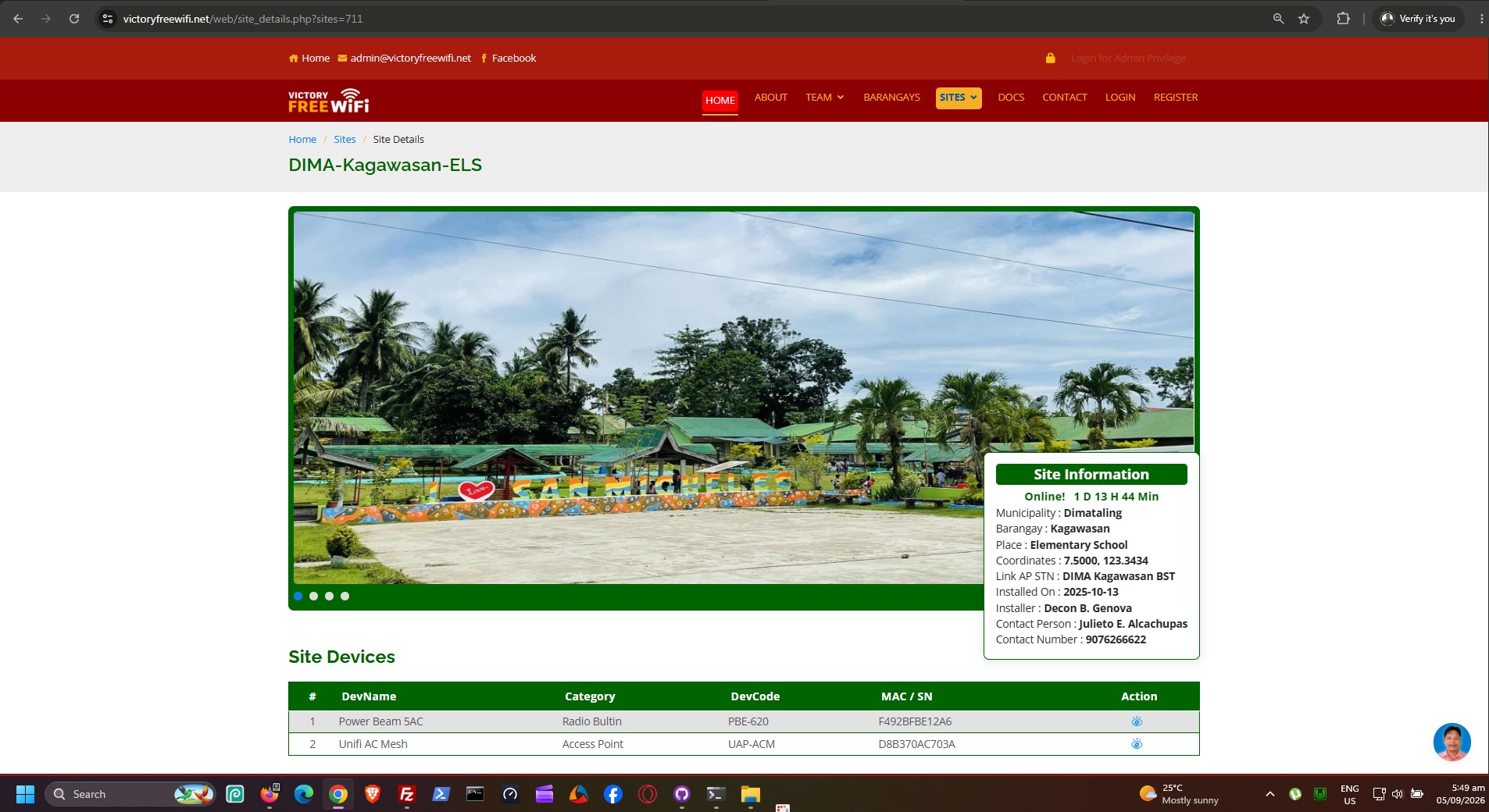
- Live Site Monitoring: Track the real-time status of WiFi sites (Active vs. Down).
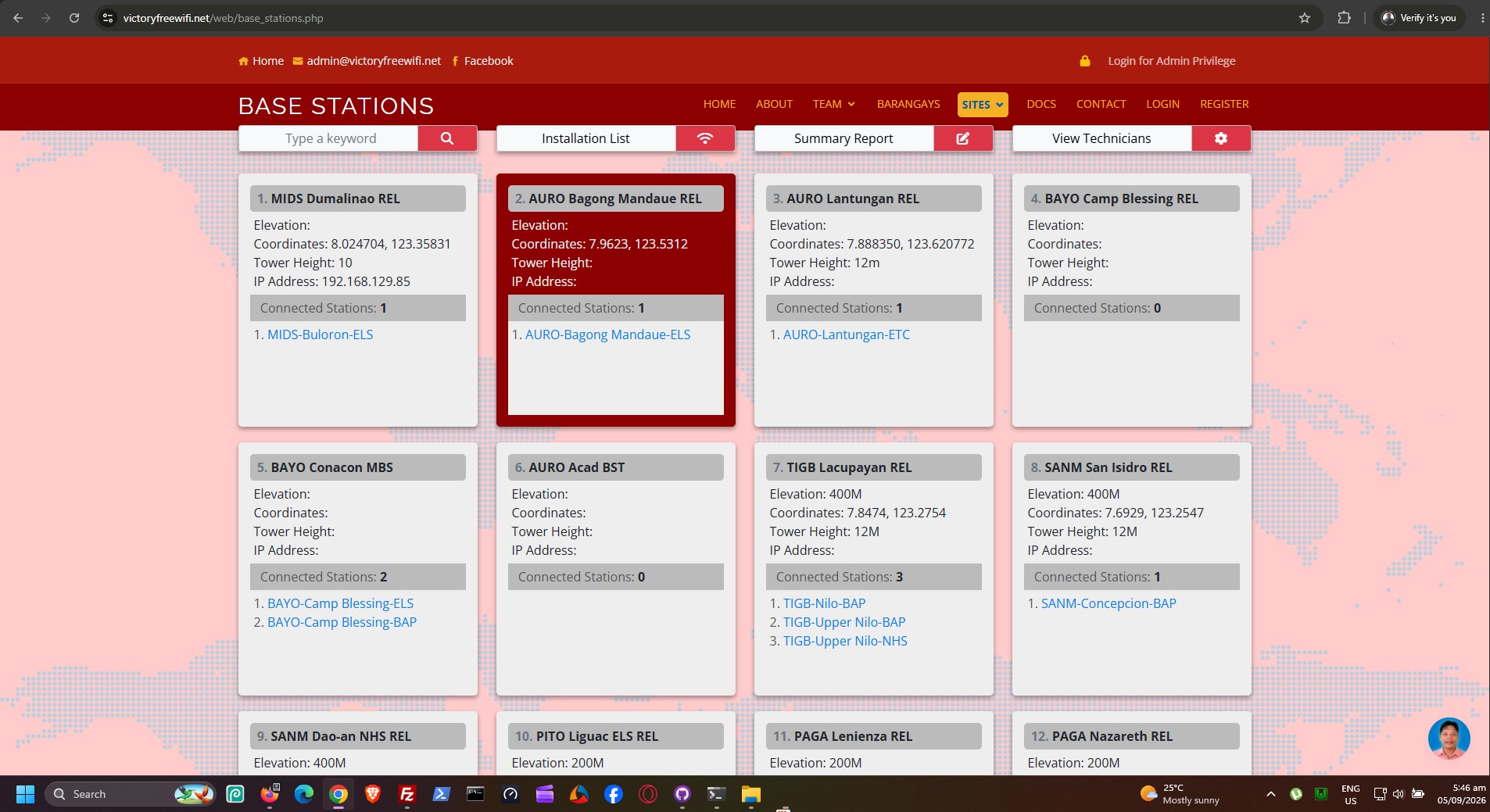
- Location Tracking: View GPS coordinates, base station links, and line-of-sight (LOS) data for each deployment.
- Network Topology: Visualize server statistics and network links across different barangays.
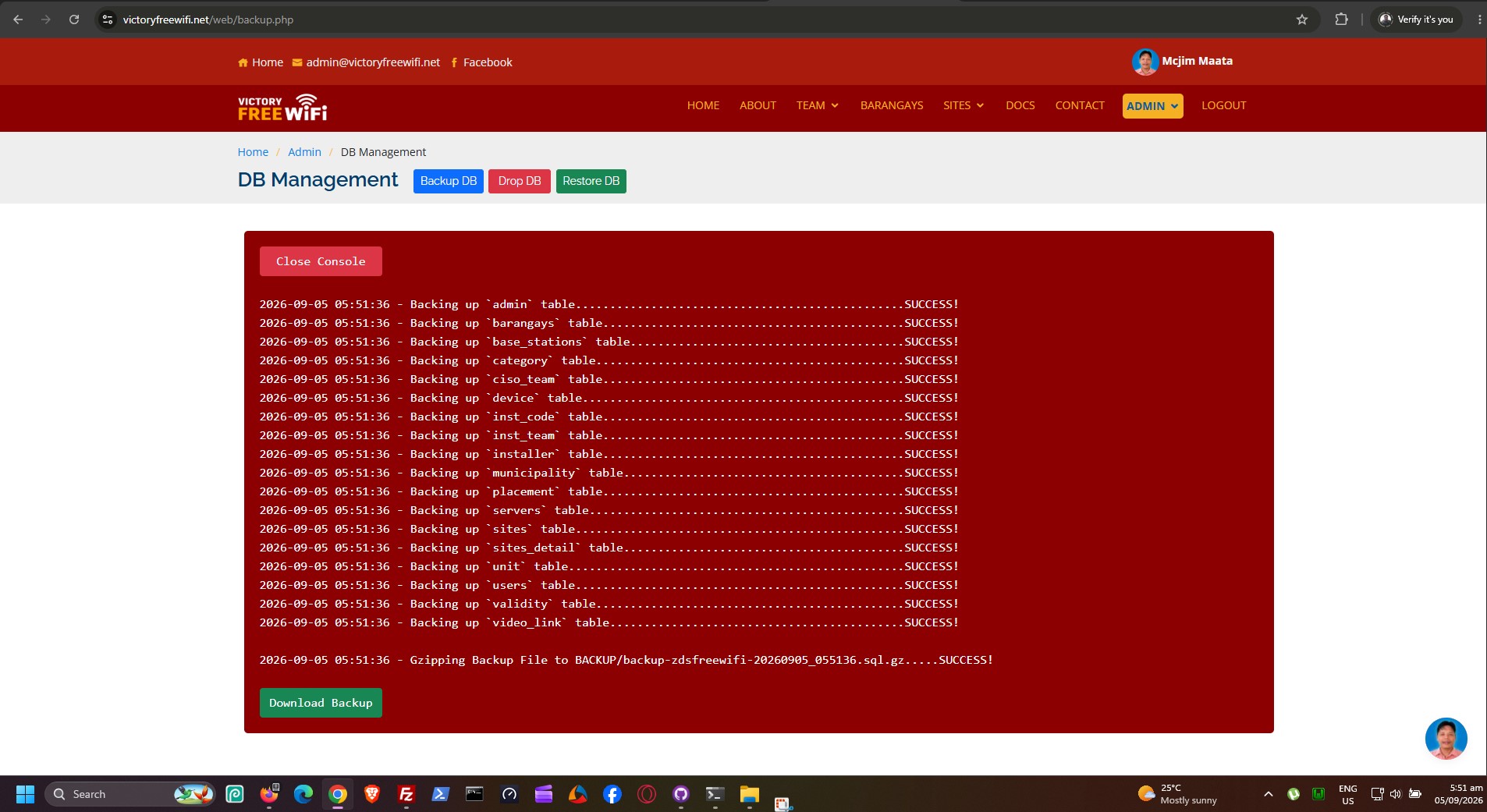
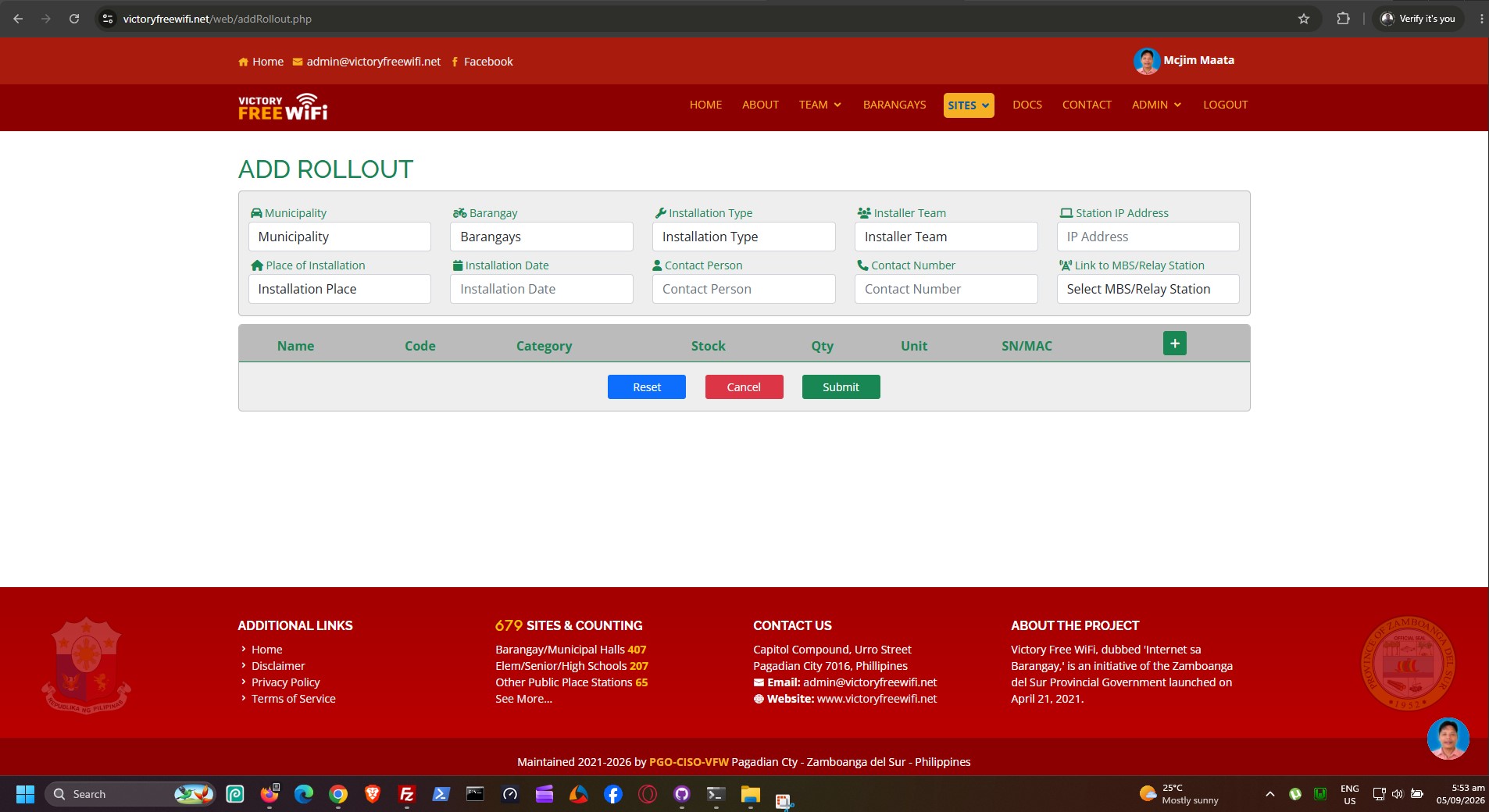
- Inventory Management: Add, edit, and categorize devices, base stations, and installers.
- Data Export & Print: Print-ready formats for site lists and barangay deployments.
🛠️ Tech Stack
- Frontend: HTML5, CSS3, JavaScript, jQuery
- UI Framework: Bootstrap (Customized layout with responsive tables and sticky navigation)
- Backend: PHP (Procedural)
- Database: MySQL
- Icons & Fonts: FontAwesome, Boxicons, Google Fonts (Open Sans, etc.)
🚀 Installation & Setup
To run this project locally, you will need a local web server environment like XAMPP, WAMP, or LAMP.
-
Clone the repository:
git clone https://github.com/your-repo/victoryfreewifi.git -
Move to web directory: Place the project folder inside your web server's root directory (e.g.,
htdocsfor XAMPP orwwwfor WAMP). -
Database Setup:
- Open phpMyAdmin (usually
http://localhost/phpmyadmin). - Create a new database named
dbvfw(or your preferred name). - Import the provided SQL dump file (if available) to populate the schema and initial data.
- Open phpMyAdmin (usually
-
Configure Database Connection: Update the database credentials in the connection files to match your local setup:
connect.phpconnect2.php
Example:
$host = "localhost"; $user = "root"; $pass = ""; $db = "dbvfw"; -
Run the Application: Open your browser and navigate to
http://localhost/victoryfreewifi.
📁 Project Structure
victoryfreewifi/
├── assets/                 # CSS, JavaScript, Images, and Vendor libraries
├── about.php               # Public About page
├── index.php               # Public Landing page
├── login.php               # Admin authentication portal
├── connect.php             # Primary database connection script
├── menunav.php             # Unified main navigation & top bar
├── search_nav1.php         # Sticky search/filter bar for Sites
├── search_nav2.php         # Sticky search/filter bar for Barangays
├── sites_list.php          # Admin tabular view of all WiFi sites
├── barangays.php           # Admin view for barangay deployments
├── servers_stats.php       # Dashboard for server and topology statistics
└── ...                     # Other administrative and public scripts
🔐 Security Note
Please ensure that connect.php and any files handling authentication are properly secured before deploying to a live production environment. Default credentials should be changed, and SQL injection protections (like prepared statements) should be enforced.
Developed for the Victory Free WiFi - Internet sa Barangay Project.